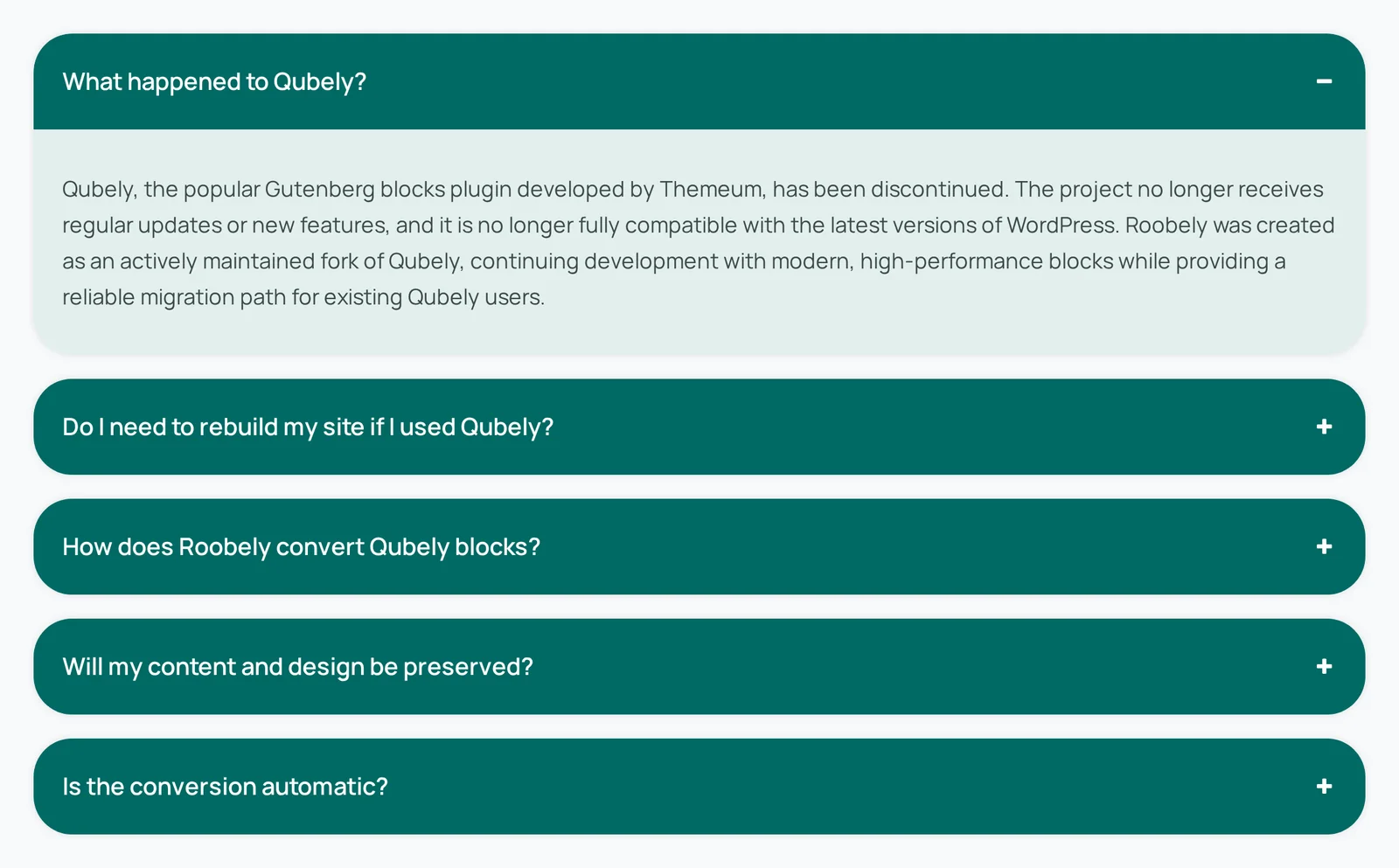
Accordion block
Accordion block
The Accordion block stacks content into panels that open and close with a click, which keeps long pages such as FAQs tidy.
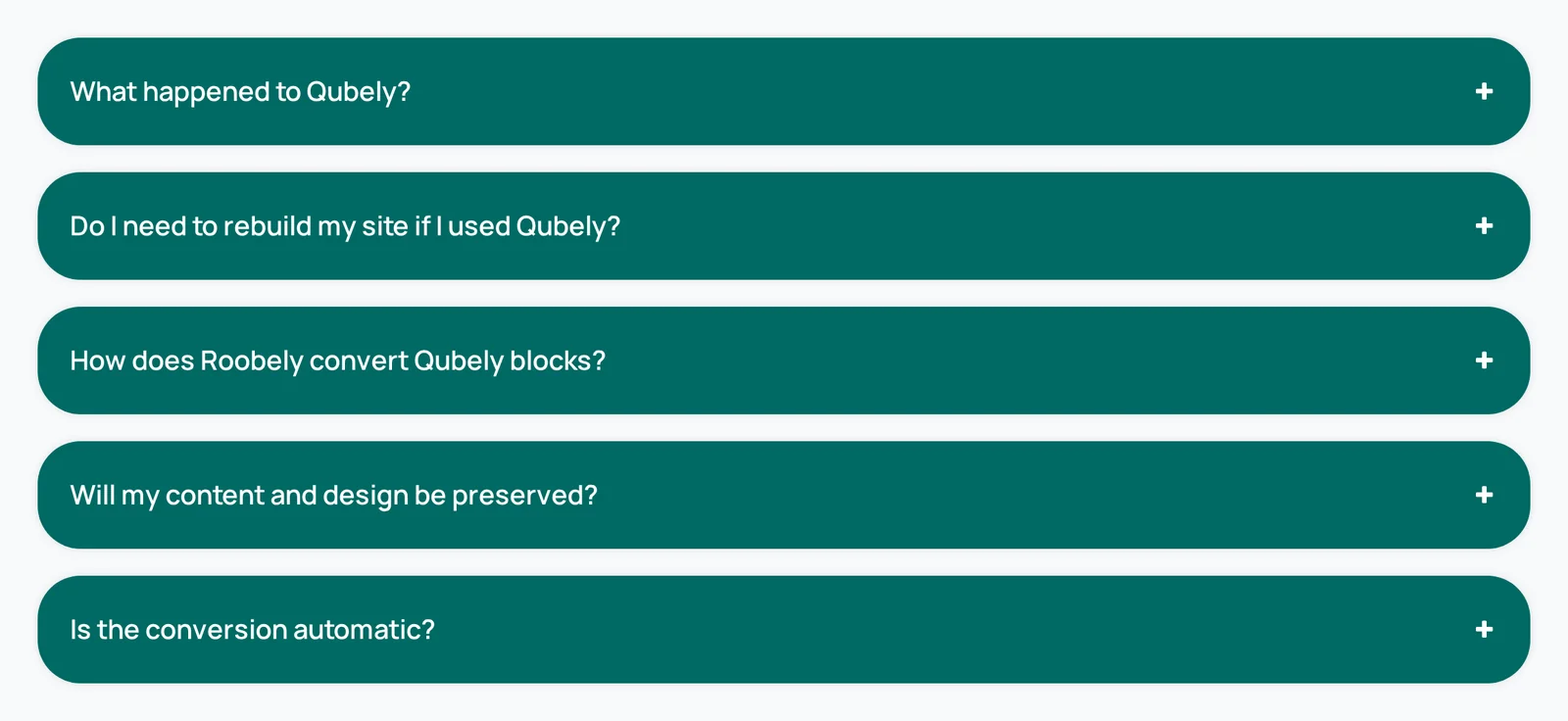
Main settings
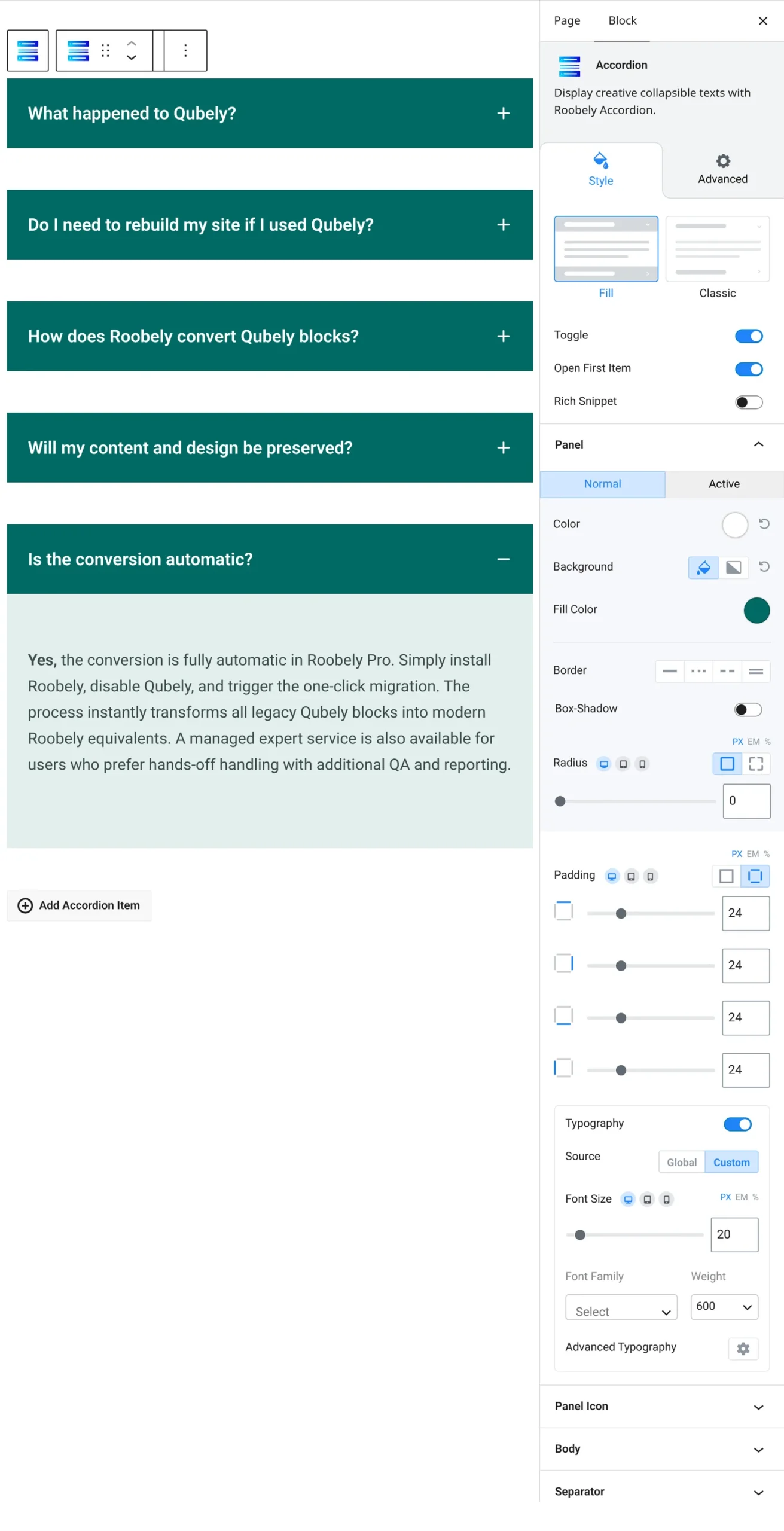
- Items: add, remove and reorder panels; each panel has its own title and content area.
- Toggle behavior: choose whether opening one panel closes the others.
- Panel style: set colors, spacing, borders and the open or close icon for the panel headers.
- Body style: control padding, background and typography for the panel content.
- Advanced: spacing, animation, visibility per device and custom CSS classes.
How to add it
- Open the page or post in the block editor and click the + (block inserter) button.
- Search for Accordion and choose the Roobely Accordion block.
- Type a title for each panel and add text, images or other blocks inside it.
- Set Toggle behavior and style the panels in the sidebar.
- Click Update or Publish, then preview the page to check it on desktop and mobile.