Timeline block
Timeline block
The Timeline block lays out events or steps along a line, each with a heading, date, text and optional image.
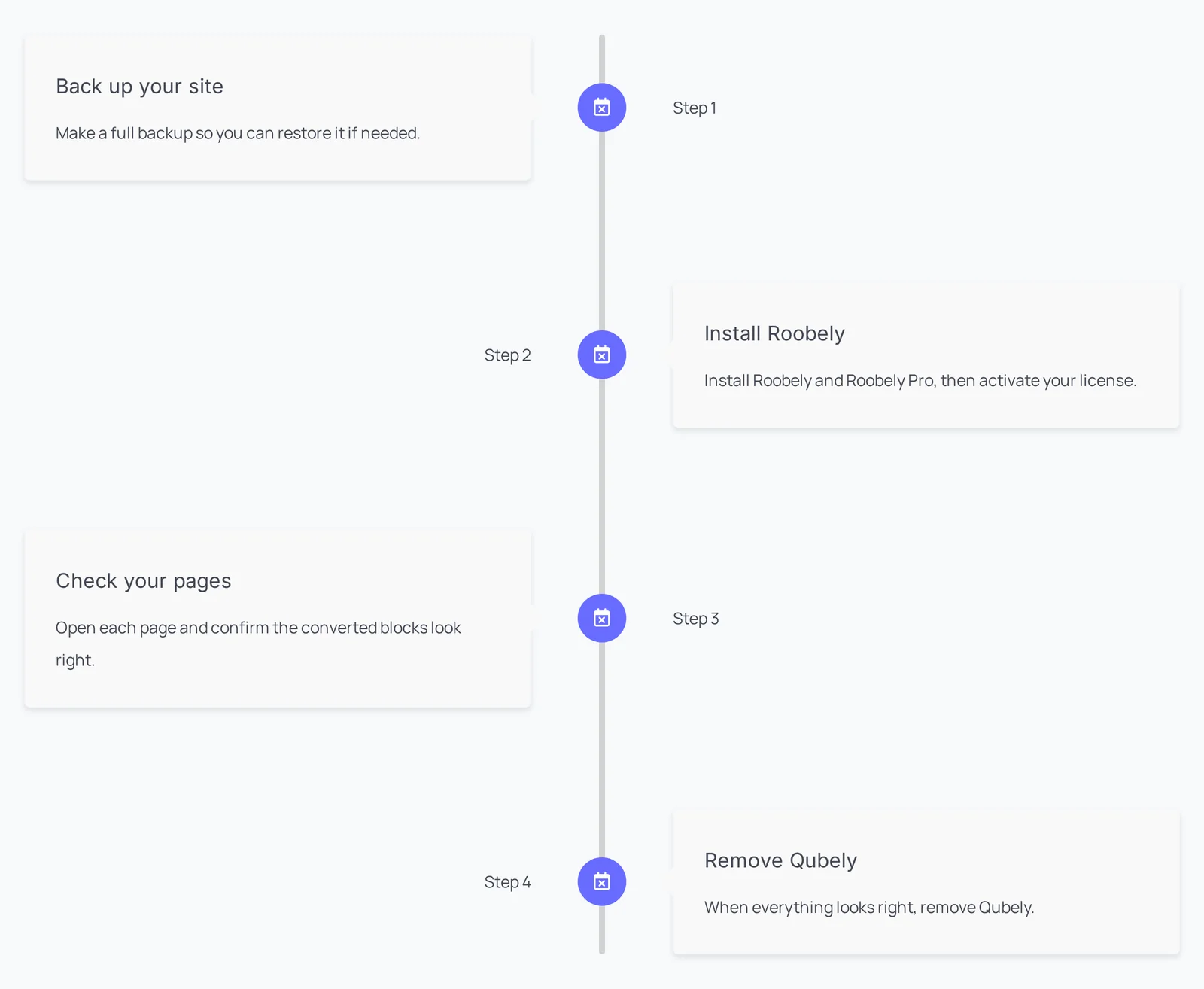
Main settings
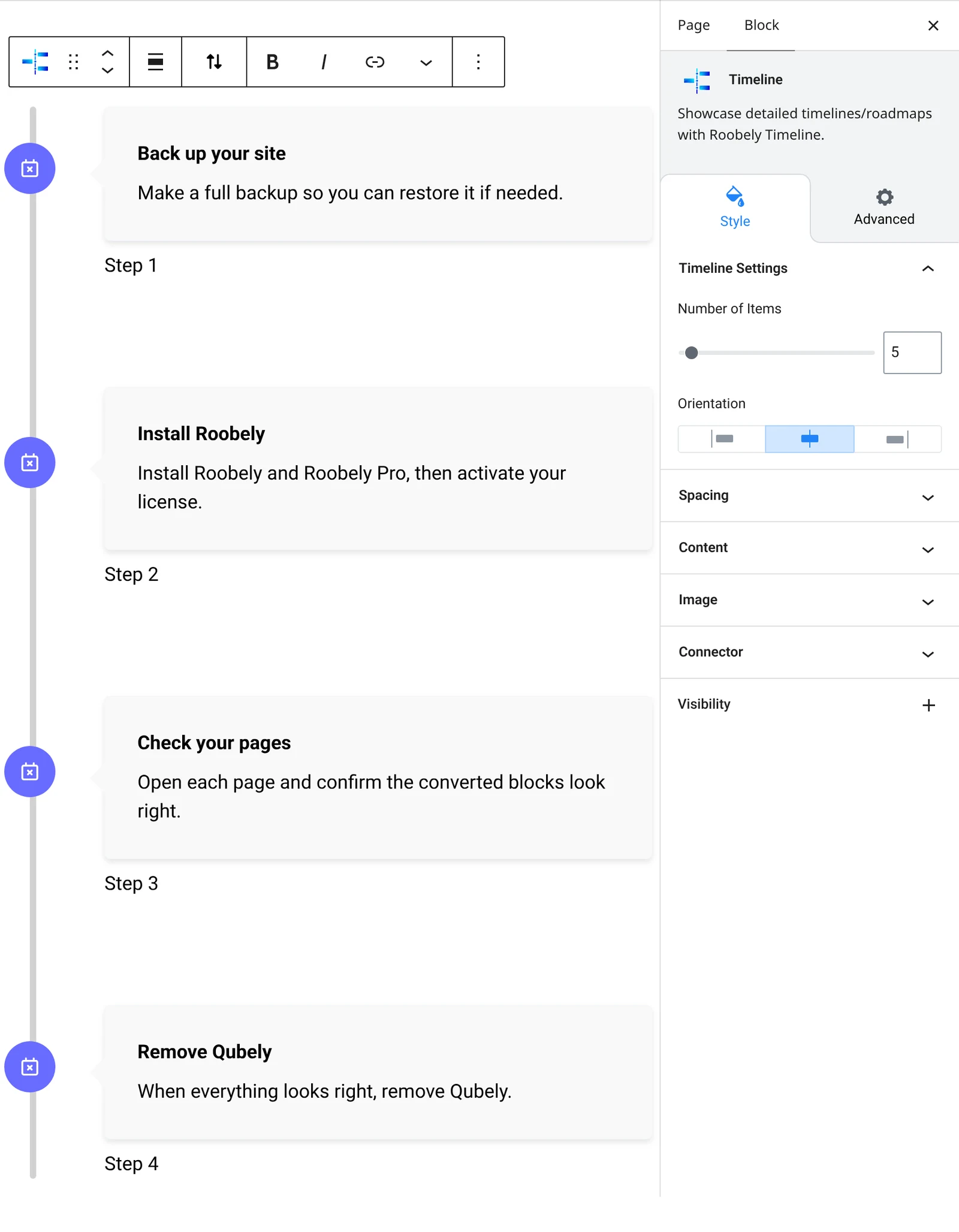
- Items: add timeline entries with heading, date and content.
- Orientation: choose the layout of items along the line.
- Connector: line color and width, plus connector icon, size and color.
- Content style: background, color, padding and heading level.
- Image and date: turn on images and dates and set their position and spacing.
- Spacing: horizontal and vertical spacing between items.
How to add it
- Open the page or post in the block editor and click the + (block inserter) button.
- Search for Timeline and choose the Roobely Timeline block.
- Add the timeline entries and type the heading, date and text for each.
- Choose the orientation and style the connector line.
- Click Update or Publish, then preview the page to check it on desktop and mobile.