Pricing block
Pricing block
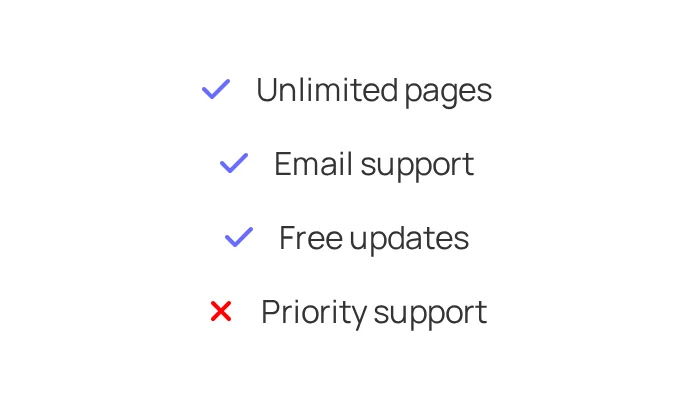
The Pricing block builds a pricing card with title, price, duration, feature list, badge and button.
Main settings
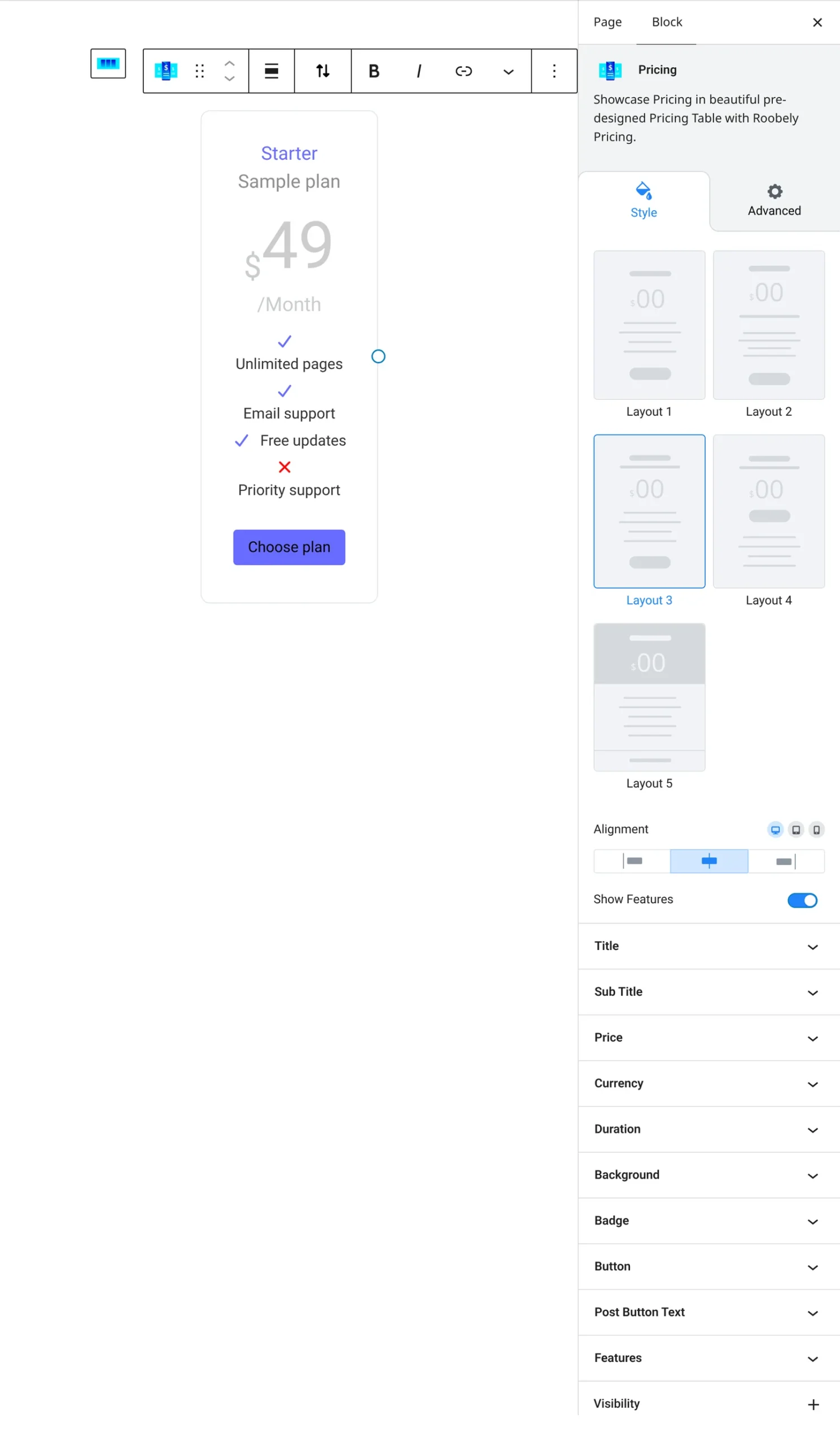
- Layout: choose a preset pricing layout.
- Title and subtitle: text, typography, colors and spacing.
- Price: price, currency (preset or custom) and its position, discount price and duration.
- Badge: turn on a badge and set its text, style, position and colors.
- Features: turn on the feature list, add items and choose list icons and alignment.
- Button: button text, link, size, colors and icon, with optional text below the button.
- Card style: background, padding, border, radius and shadow.
How to add it
- Open the page or post in the block editor and click the + (block inserter) button.
- Search for Pricing and choose the Roobely Pricing block.
- Pick a layout and enter the title and price.
- Add the features, set the button link and turn on a badge if needed.
- Click Update or Publish, then preview the page to check it on desktop and mobile.