Table Builder block
Requires Roobely Pro. Get Roobely Pro
Table Builder block
The Table Builder block builds styled tables where cells can hold text, icons, images, lists, ratings or buttons.
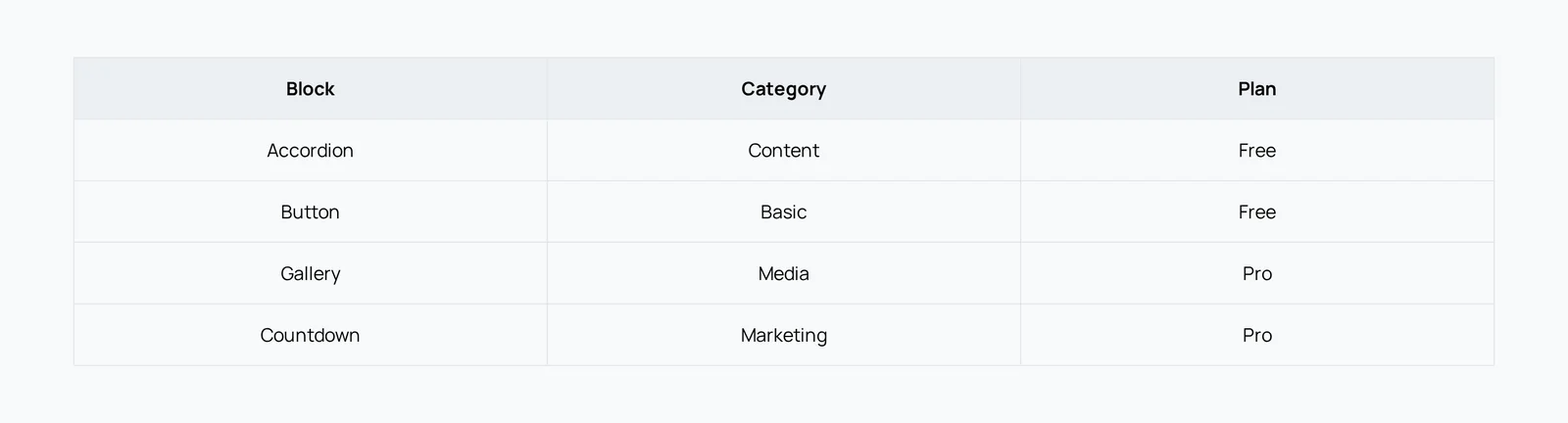
Main settings
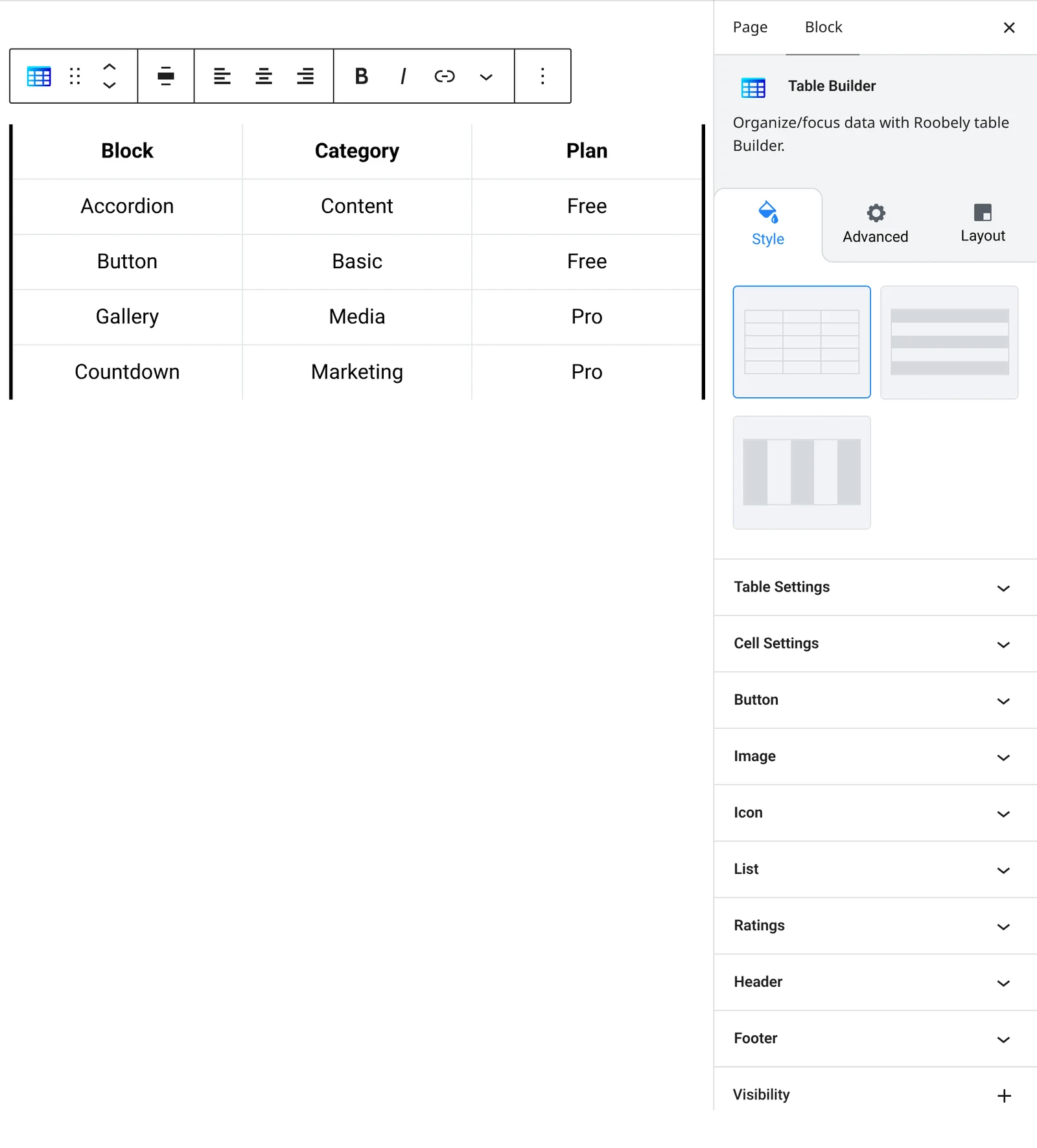
- Table content: header, body and footer rows, with cell content types.
- Layout: preset table layouts and maximum width.
- Header and footer: show or hide them and set background, text color and typography.
- Cells: alignment, padding, background, text color and fixed widths.
- Borders and stripes: horizontal and vertical borders and striped rows.
- Cell elements: style for icons, images, lists, ratings and buttons.
How to add it
- Open the page or post in the block editor and click the + (block inserter) button.
- Search for Table Builder and choose the Roobely Table Builder block.
- Choose a layout and set the number of rows and columns.
- Fill in the cells and pick the content type for each.
- Click Update or Publish, then preview the page to check it on desktop and mobile.