Button Group block
Button Group block
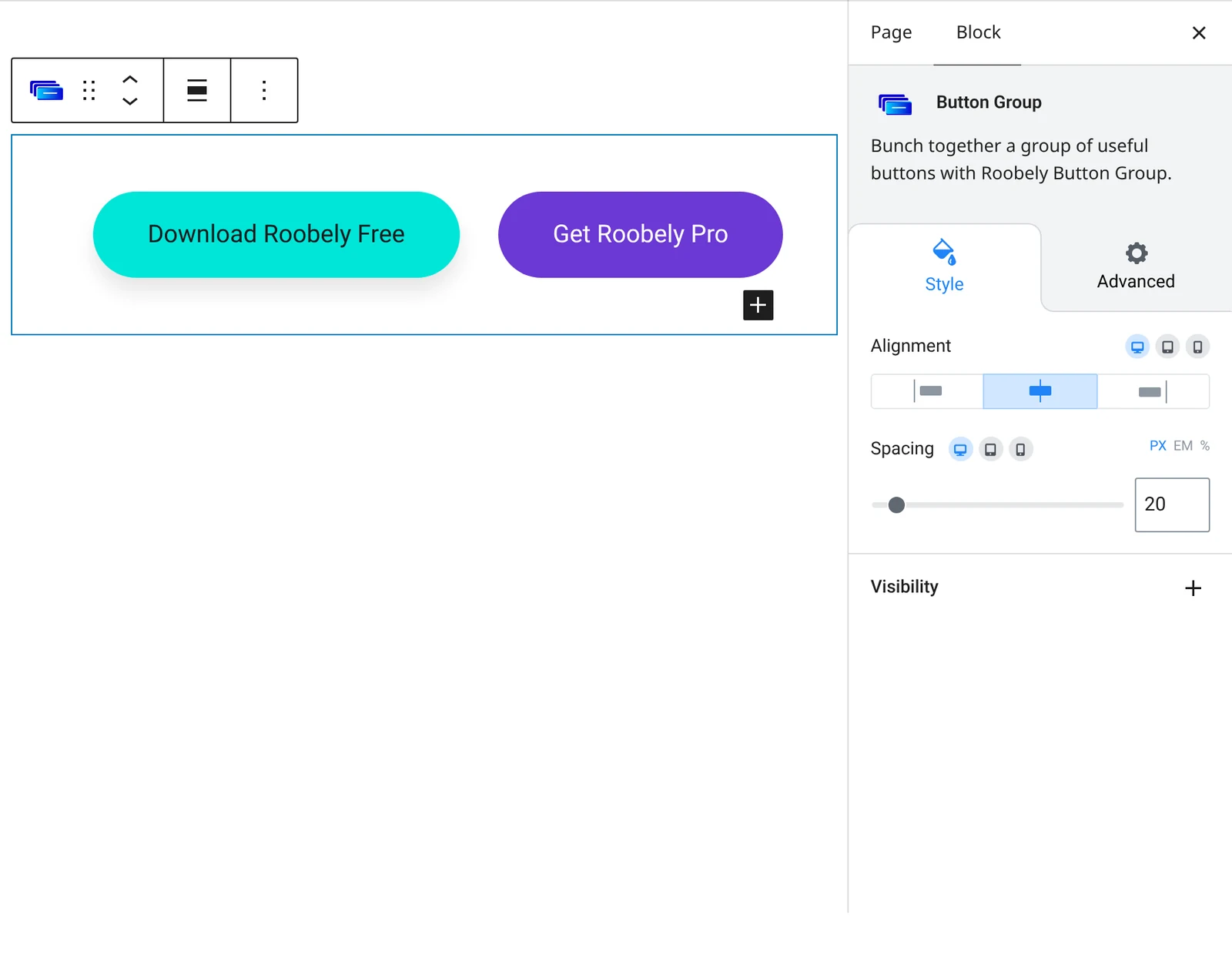
The Button Group block places two or more Roobely buttons in one row so you can offer a main and a secondary action together.

Main settings
- Buttons: choose how many buttons the group contains.
- Spacing: the gap between buttons.
- Alignment: left, center or right alignment for the whole group.
- Individual buttons: select any button inside the group to edit its text, link and style with the Button block settings.
How to add it
- Open the page or post in the block editor and click the + (block inserter) button.
- Search for Button Group and choose the Roobely Button Group block.
- Set the number of buttons in the sidebar.
- Click each button to set its text, link and style, then set the spacing and alignment.
- Click Update or Publish, then preview the page to check it on desktop and mobile.