Countdown block
Requires Roobely Pro. Get Roobely Pro
Countdown block
The Countdown block counts down to a date and time you choose, which is useful for launches, sales and events.
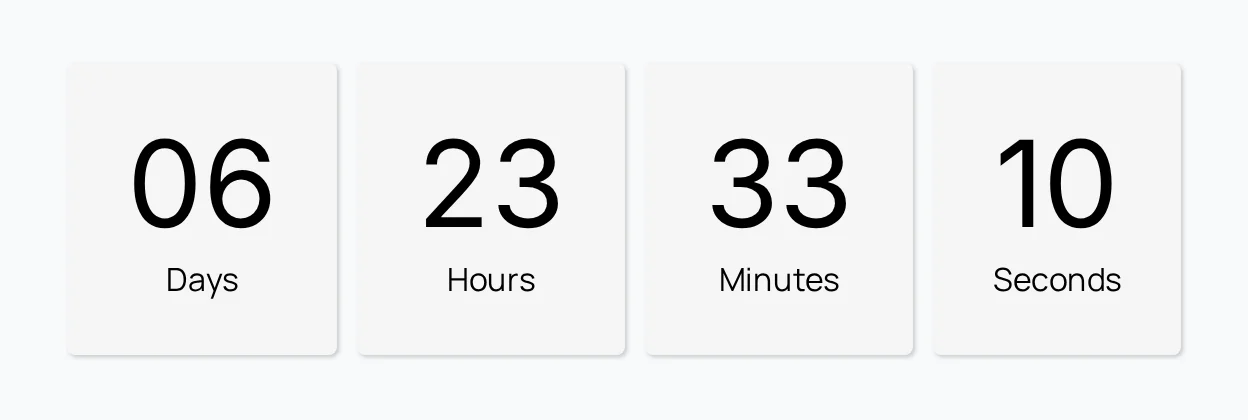
Main settings
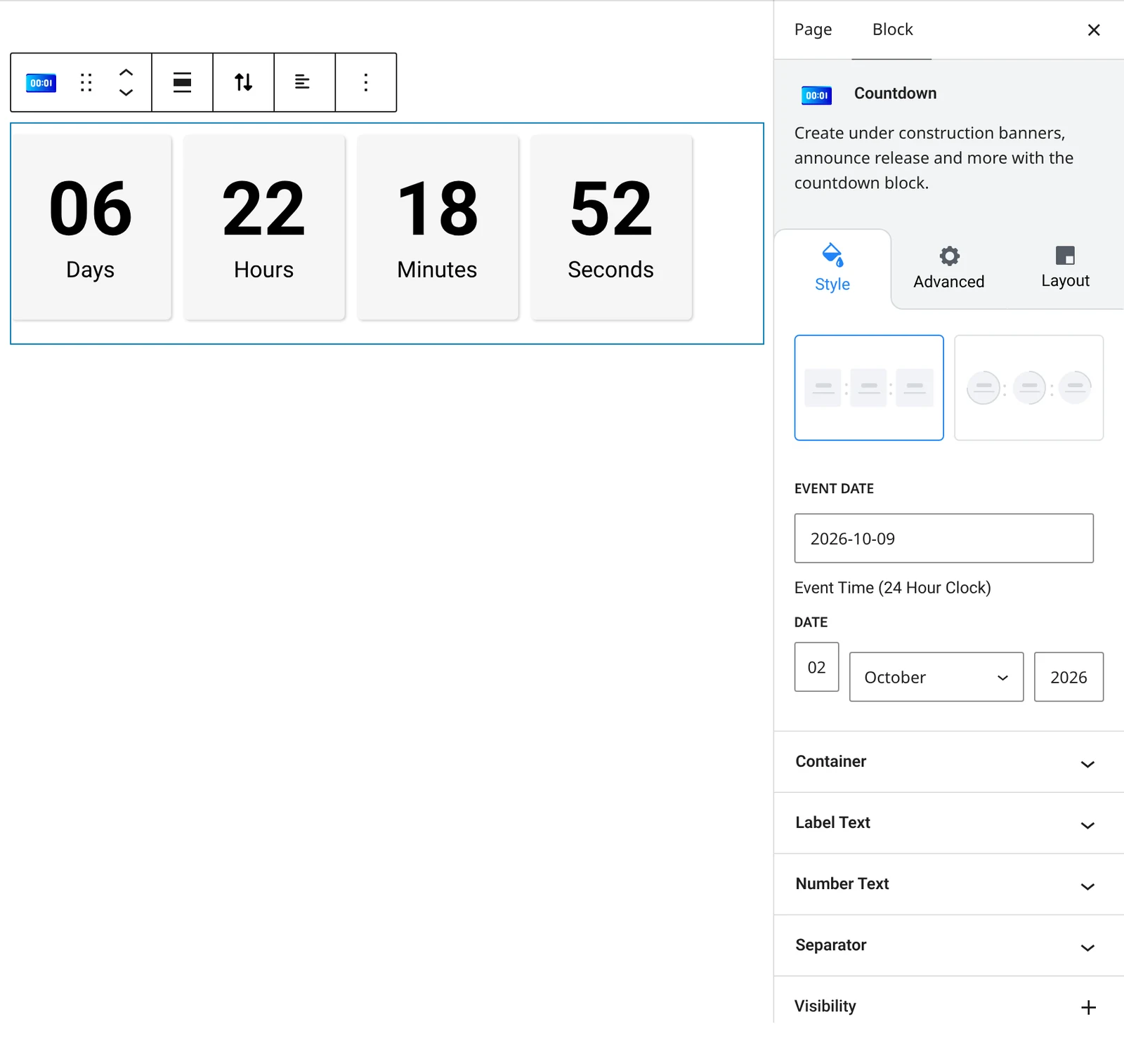
- Date: the target date and time, and an optional start date.
- Units: show or hide days, hours, minutes and seconds, and rename their labels.
- Layout: choose a layout, size and spacing between units.
- Circle style: fill, empty fill, ring thickness and line cap for circle layouts.
- Labels: label position, color and spacing.
- Separator: separator type, size and color between units.
How to add it
- Open the page or post in the block editor and click the + (block inserter) button.
- Search for Countdown and choose the Roobely Countdown block.
- Set the target date and time.
- Choose the layout and which units to show.
- Click Update or Publish, then preview the page to check it on desktop and mobile.