Woo Products block
Requires Roobely Pro. Get Roobely Pro
Woo Products block
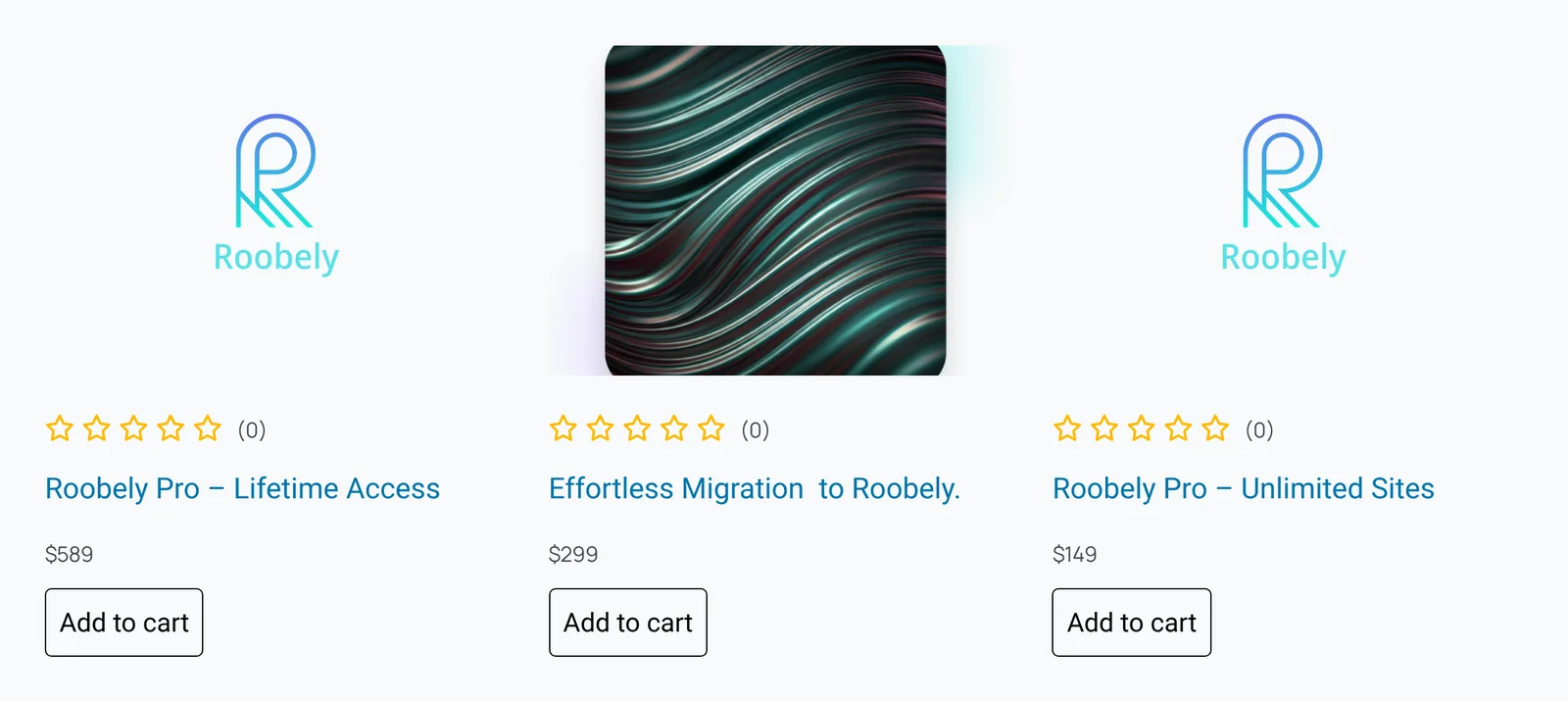
The Woo Products block lists WooCommerce products in a grid or list with price, rating and add to cart button.
Main settings
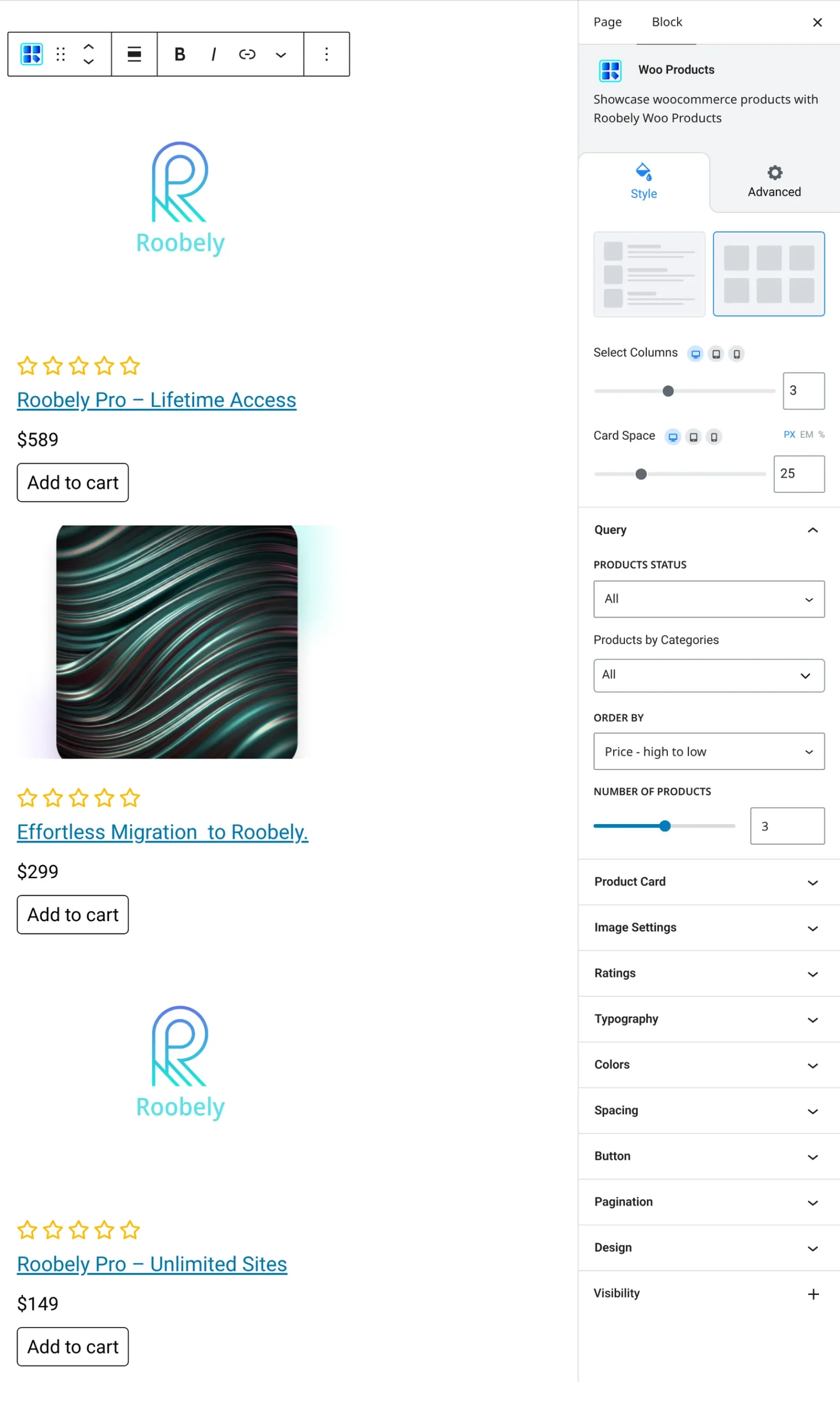
- Query: product categories, product status, products per page and order.
- Layout and columns: choose a layout and the number of columns.
- Product details: rating, rating count, price, discount and excerpt length.
- Add to cart button: button text, colors and padding.
- Card style: background, padding, border and shadow.
- Pagination: turn on pagination and style it.
How to add it
- Open the page or post in the block editor and click the + (block inserter) button.
- Search for Woo Products and choose the Roobely Woo Products block.
- Choose product categories and how many products to show.
- Pick a layout and style the add to cart button.
- Click Update or Publish, then preview the page to check it on desktop and mobile.