Tabs block
Tabs block
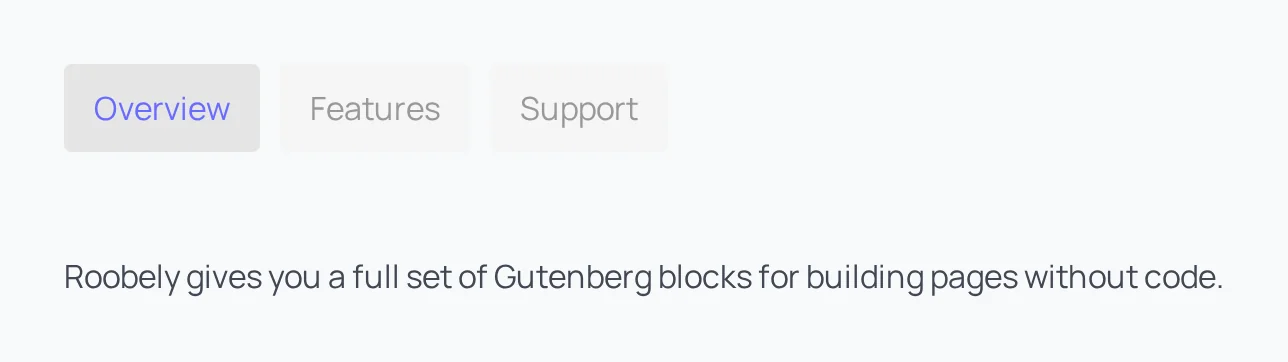
The Tabs block groups content into tabs so visitors can switch between sections without leaving the page.
Main settings
- Tabs: add, rename and reorder tabs.
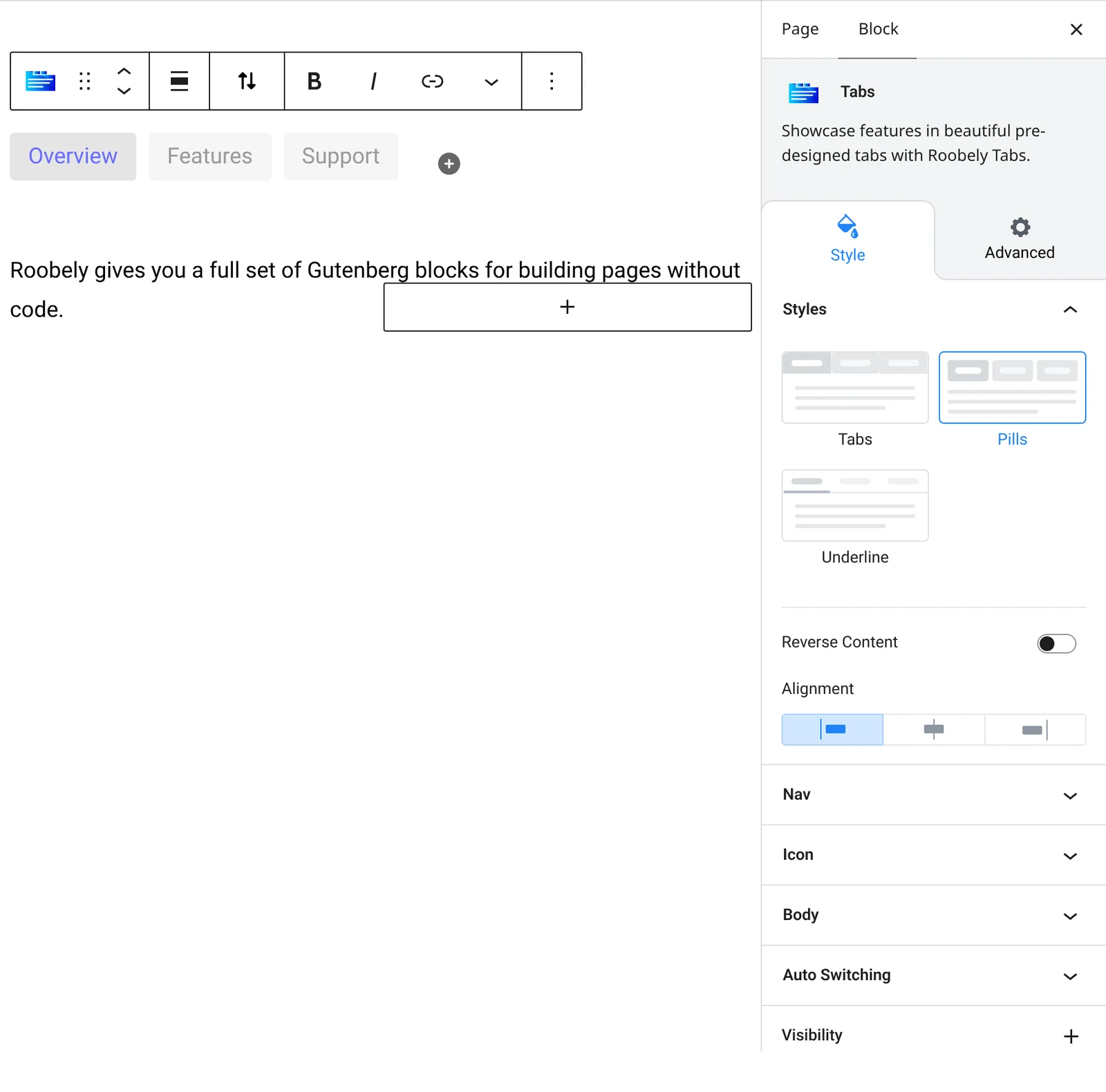
- Tab style and layout: choose a tab style and the position of the tab navigation.
- Navigation: alignment, size, padding, spacing and colors for normal and active tabs.
- Icons and images: add icons or images to the tab titles.
- Autoplay: switch tabs automatically with a delay and an optional progress bar.
- Body: background, padding and separator.
How to add it
- Open the page or post in the block editor and click the + (block inserter) button.
- Search for Tabs and choose the Roobely Tabs block.
- Add the tabs you need and name each one.
- Click each tab and add content inside it, then style the navigation.
- Click Update or Publish, then preview the page to check it on desktop and mobile.