Progress Bar block
Progress Bar block
The Progress Bar block shows progress as a filled horizontal bar with an optional title and percentage label.
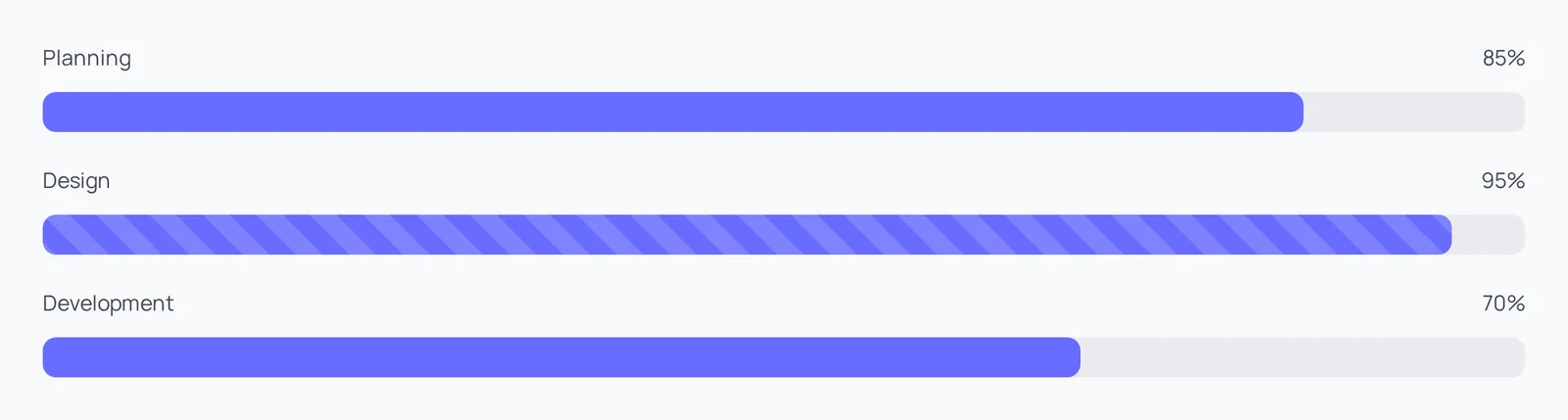
Main settings
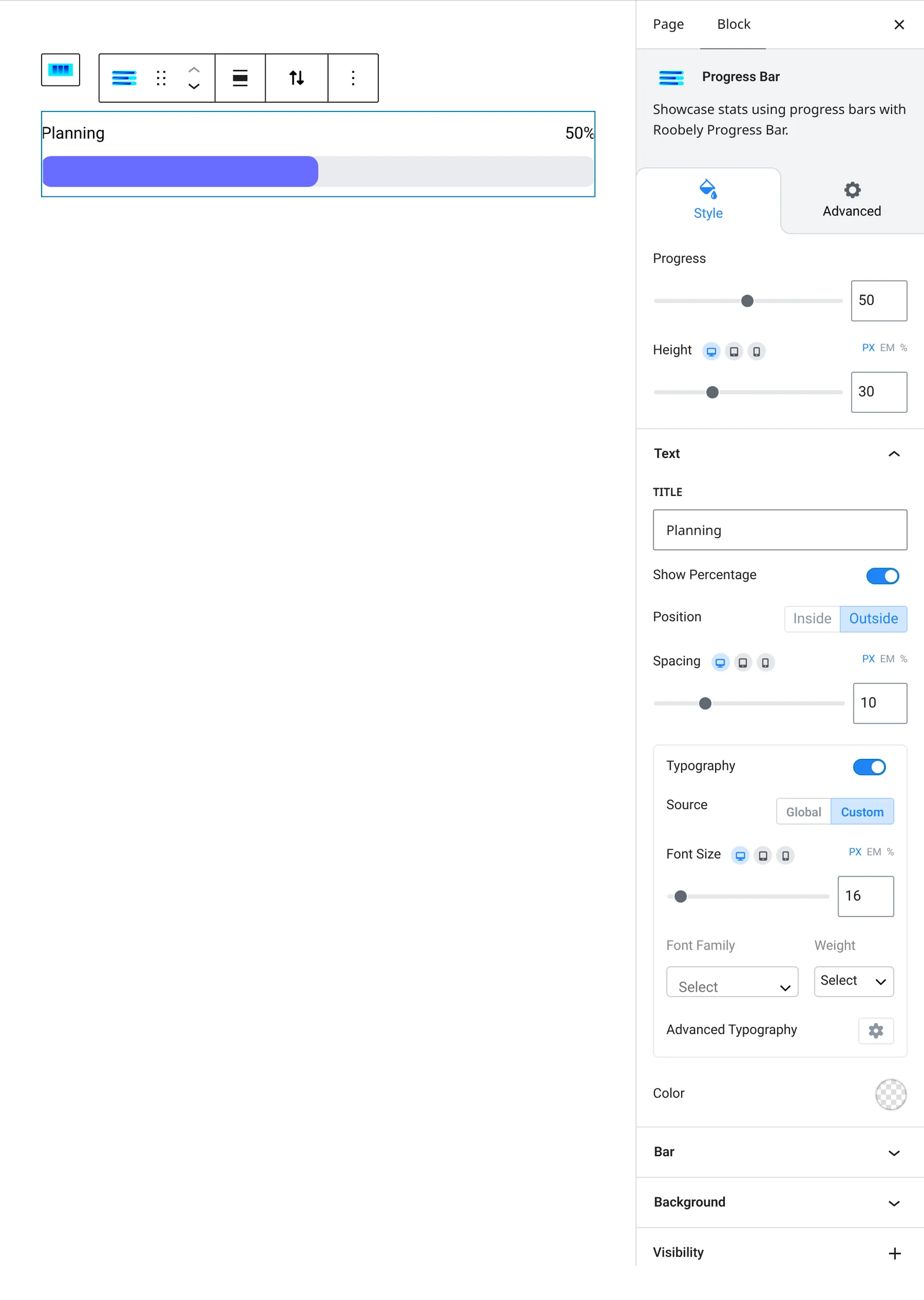
- Title: show or hide the title and set its text.
- Progress: the percentage value and whether to show it.
- Label: label position, typography, color and spacing.
- Bar style: bar height, corner radius, bar background and progress color.
- Striped: turn on a striped fill.
How to add it
- Open the page or post in the block editor and click the + (block inserter) button.
- Search for Progress Bar and choose the Roobely Progress Bar block.
- Enter the title and the progress value.
- Set the bar height, colors and label position.
- Click Update or Publish, then preview the page to check it on desktop and mobile.