Google Map block
Google Map block
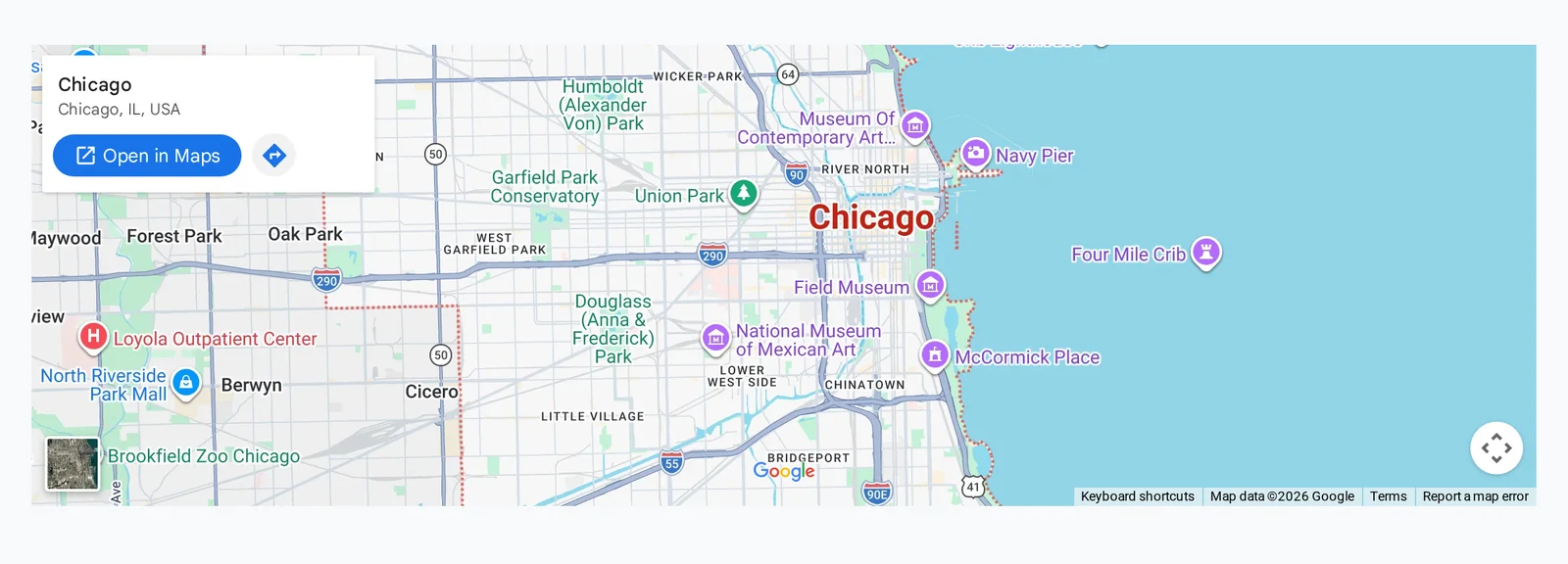
The Google Map block embeds a map for any address, with zoom, marker and control options.
Main settings
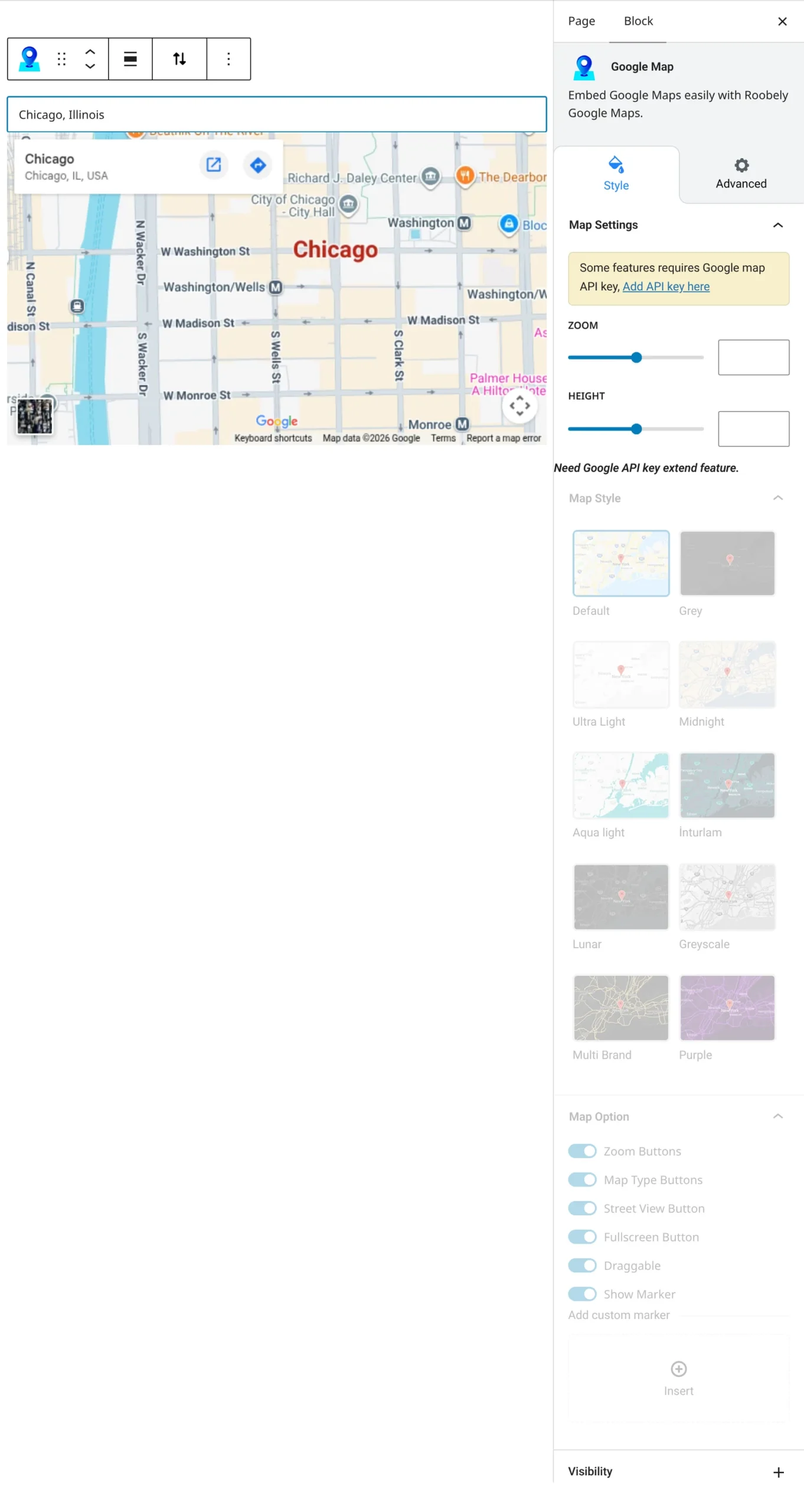
- API key: your Google Maps API key.
- Address or place: the location to show, by address or Google place ID.
- Zoom and height: zoom level and map height.
- Map style: pick a preset map style.
- Marker: show a marker and choose a custom marker icon.
- Controls: zoom buttons, map type buttons, street view, fullscreen, scroll wheel zoom and dragging.
How to add it
- Open the page or post in the block editor and click the + (block inserter) button.
- Search for Google Map and choose the Roobely Google Map block.
- Enter your Google Maps API key and the address.
- Set the zoom, height, style and the controls you want.
- Click Update or Publish, then preview the page to check it on desktop and mobile.