Team block
Team block
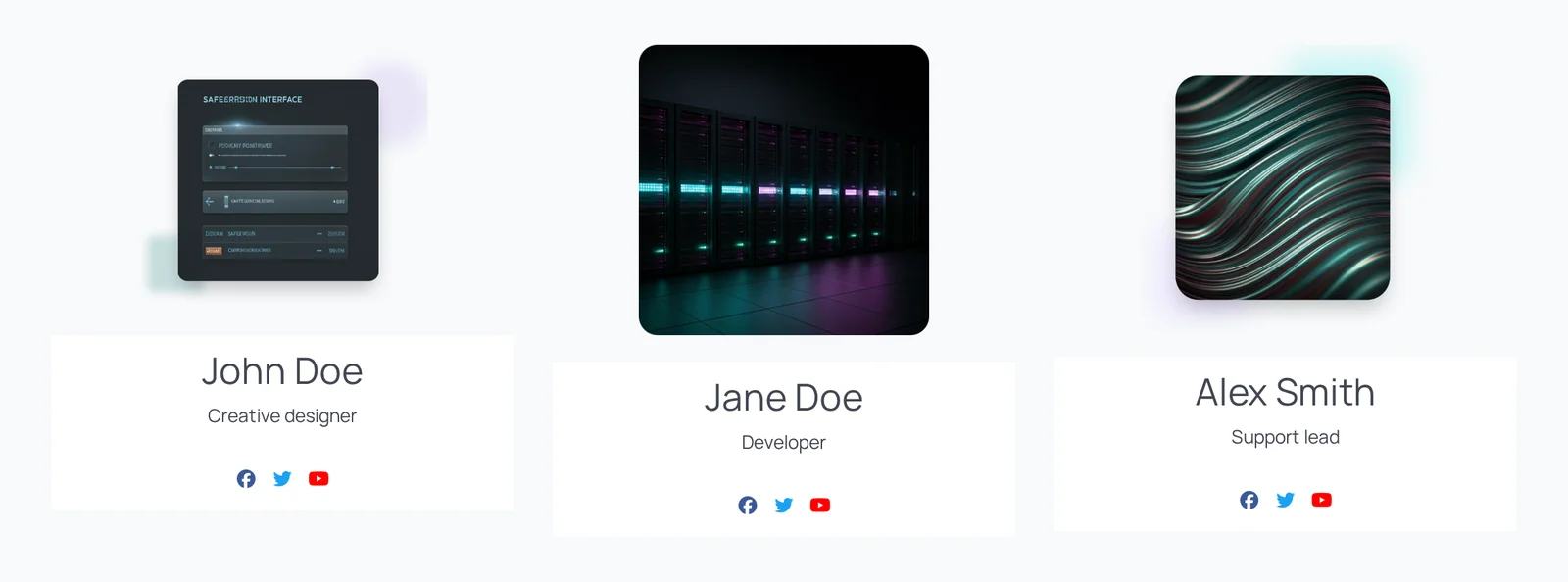
The Team block shows a team member with photo, name, designation, description and social links.
Main settings
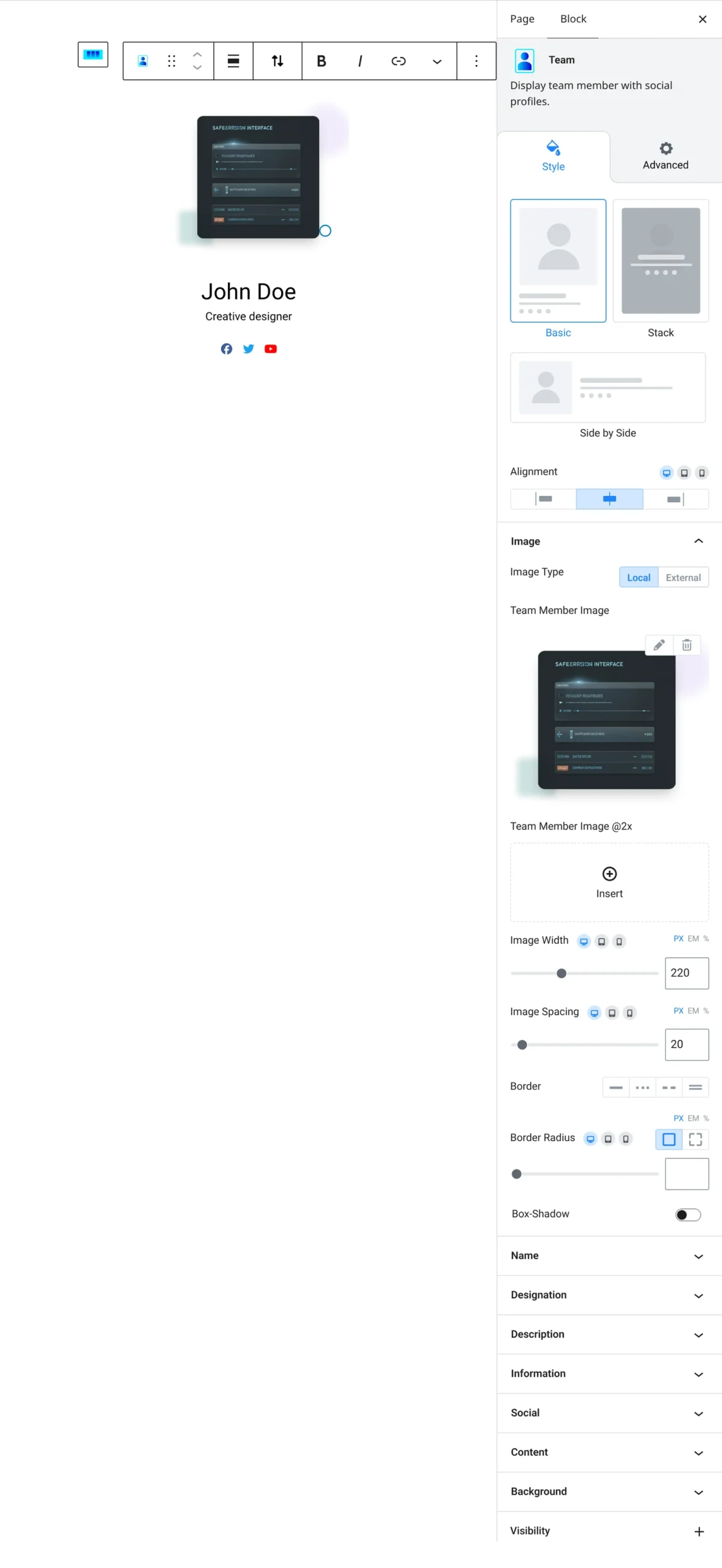
- Layout: choose one of the preset layouts and alignment.
- Image: photo from the library or a URL, with size and spacing.
- Name, designation and description: text, colors and spacing, with options to hide the designation or description.
- Contact info: phone, email and website, with optional icons.
- Social links: add profile links such as Facebook, LinkedIn or Instagram and style the icons.
- Overlay: overlay color and position for overlay layouts.
How to add it
- Open the page or post in the block editor and click the + (block inserter) button.
- Search for Team and choose the Roobely Team block.
- Pick a layout and upload the photo.
- Enter the name, designation and description, and add social links.
- Click Update or Publish, then preview the page to check it on desktop and mobile.