Team Carousel block
Requires Roobely Pro. Get Roobely Pro
Team Carousel block
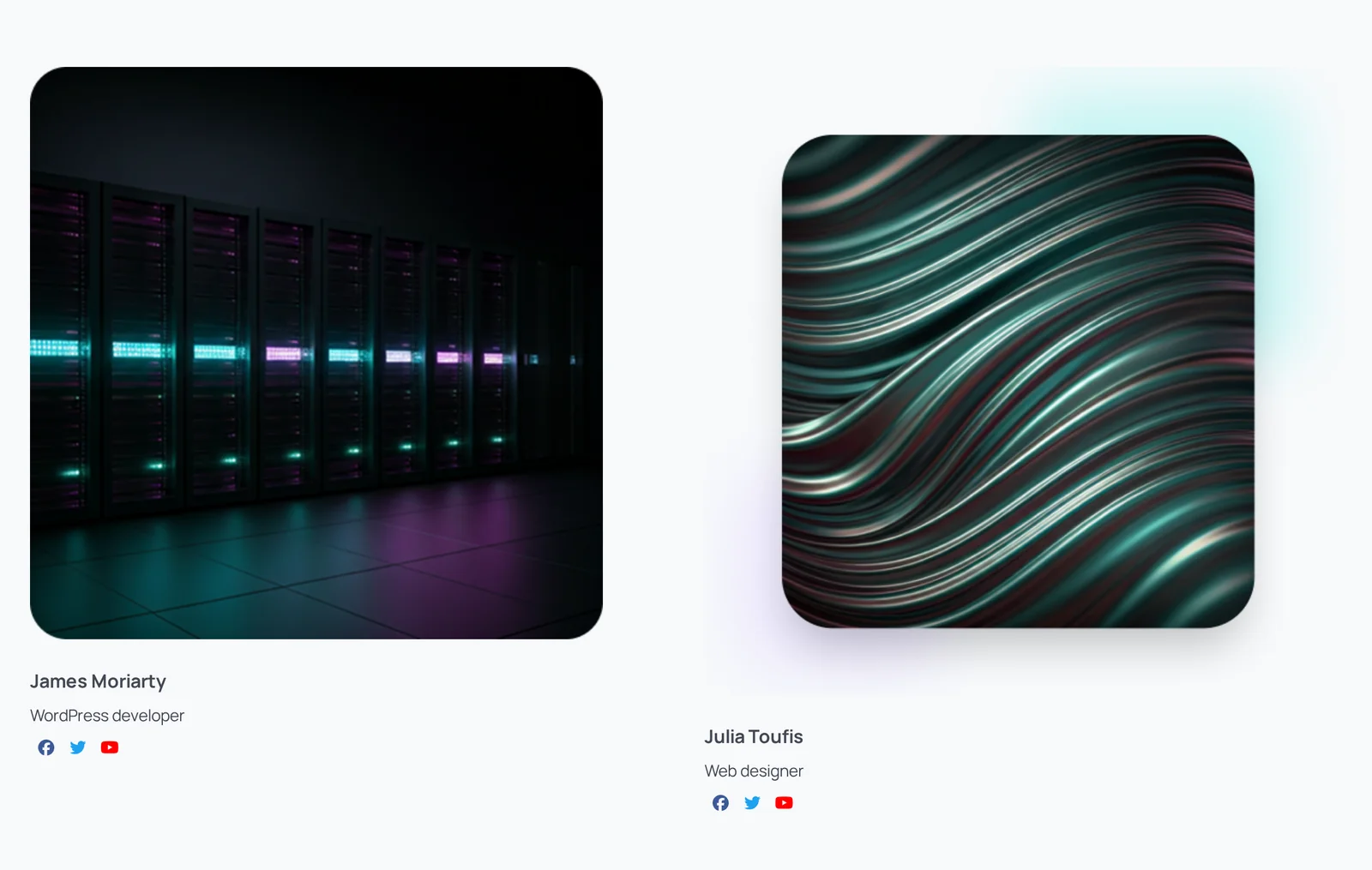
The Team Carousel block shows several team members in a sliding carousel.
Main settings
- Members: add members with photo, name, designation and social links.
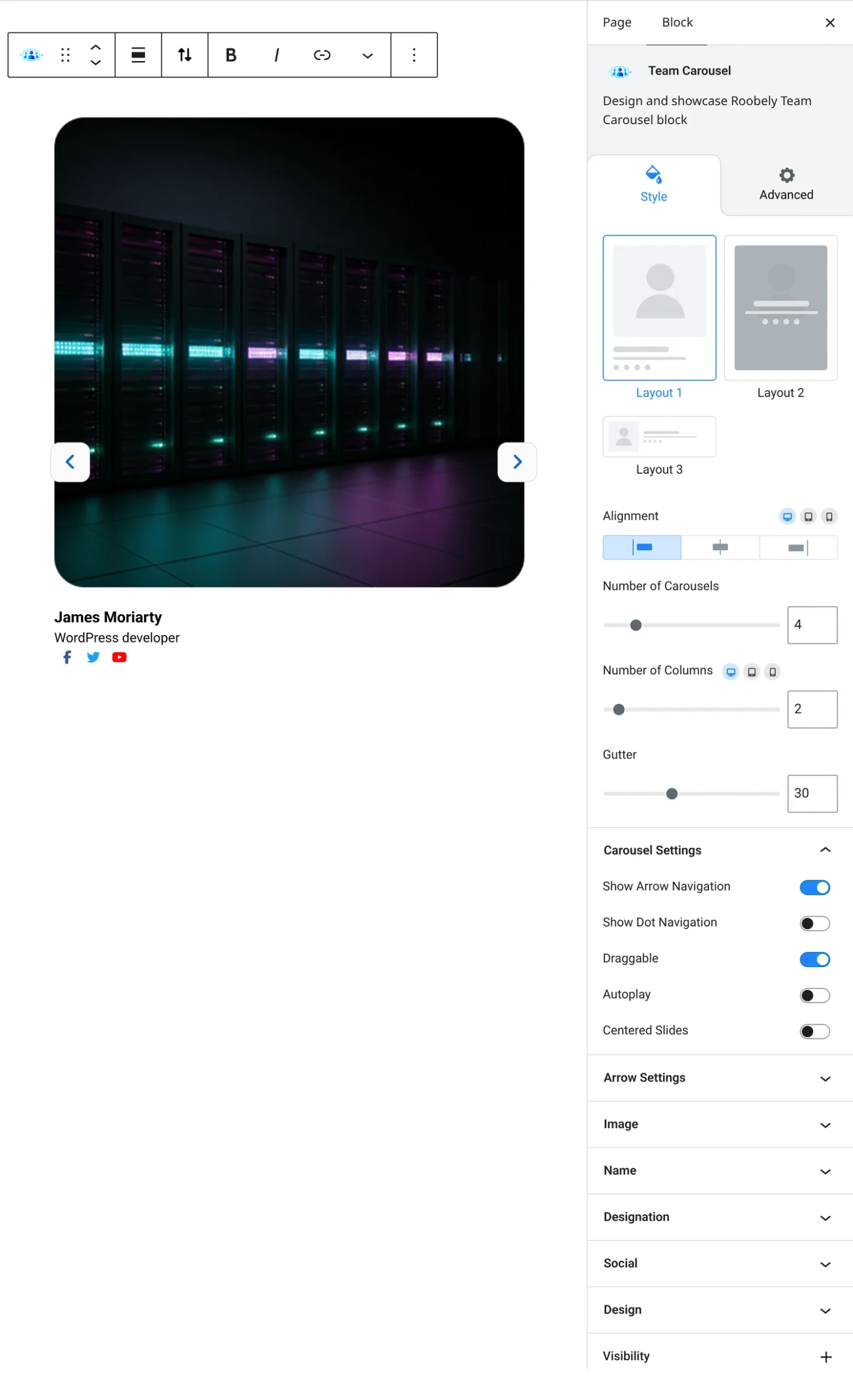
- Layout: choose a card layout and alignment.
- Items per slide: how many cards show at once on each device.
- Autoplay and speed: autoplay, interval, speed, loop and drag.
- Navigation: arrows and dots with style and colors.
- Card style: background, padding, border and shadow.
How to add it
- Open the page or post in the block editor and click the + (block inserter) button.
- Search for Team Carousel and choose the Roobely Team Carousel block.
- Add the team members and fill in their details.
- Set the items per slide and the navigation.
- Click Update or Publish, then preview the page to check it on desktop and mobile.