Pie Progress block
Pie Progress block
The Pie Progress block shows a percentage as an animated circle, with an optional heading and an icon, image or text in the center. Roobely Pro adds extra options to this block.
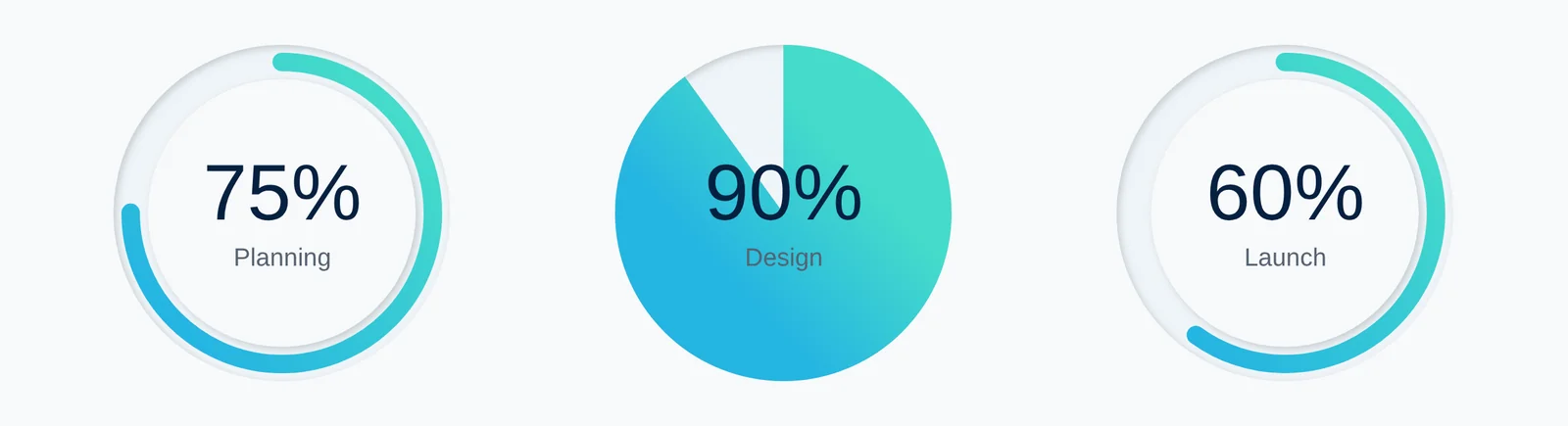
Main settings
- Progress: the percentage value and animation speed.
- Size and thickness: circle size, ring thickness and background ring thickness.
- Colors: fill color, background and corner style.
- Center content: show an icon, image or text inside the circle.
- Heading: turn on a heading and set its position, alignment, typography and color.
- Layout: choose the layout and alignment.
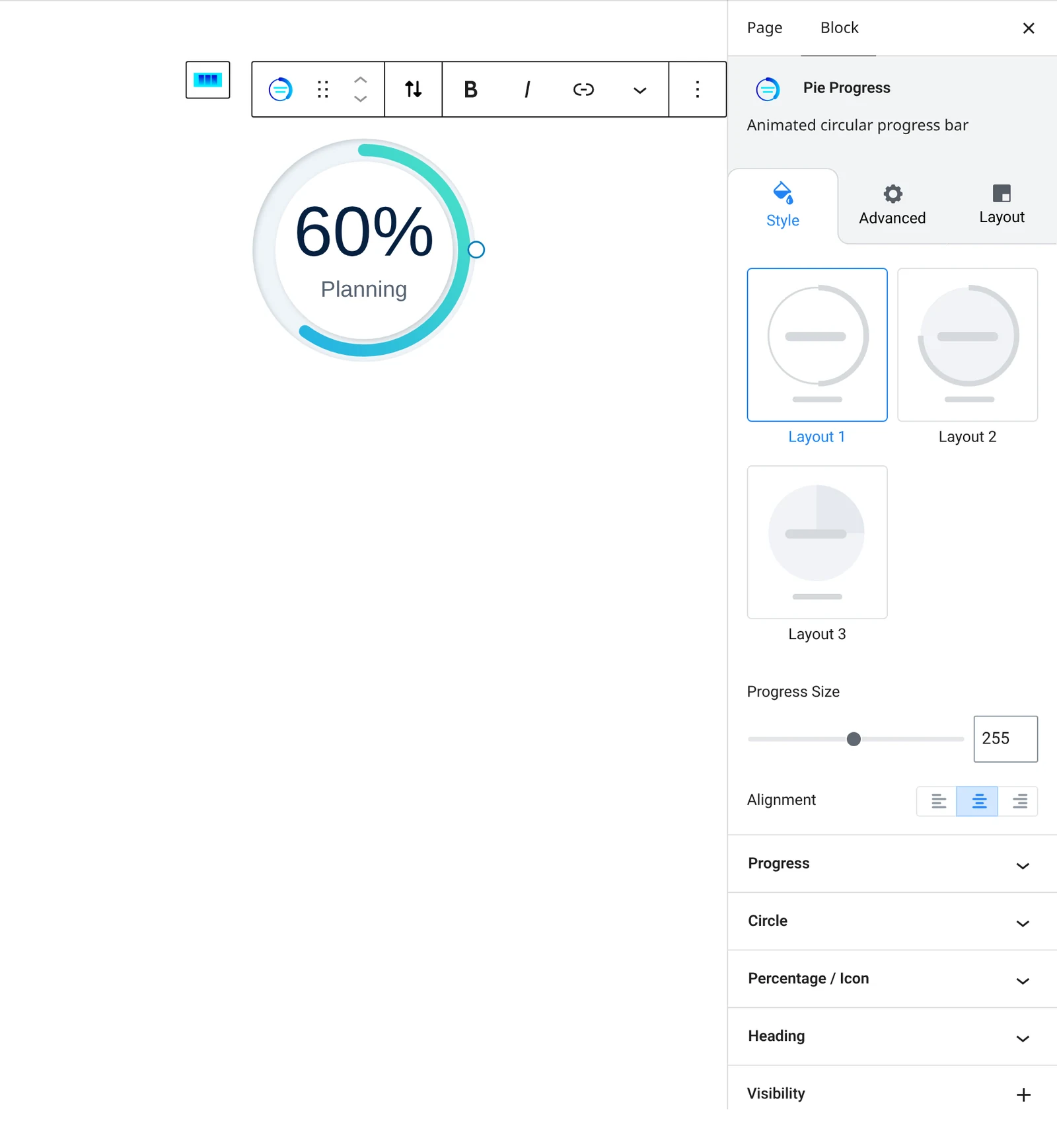
How to add it
- Open the page or post in the block editor and click the + (block inserter) button.
- Search for Pie Progress and choose the Roobely Pie Progress block.
- Set the progress percentage.
- Choose the size, thickness and colors, and add a heading if needed.
- Click Update or Publish, then preview the page to check it on desktop and mobile.