Contact Form block
Contact Form block
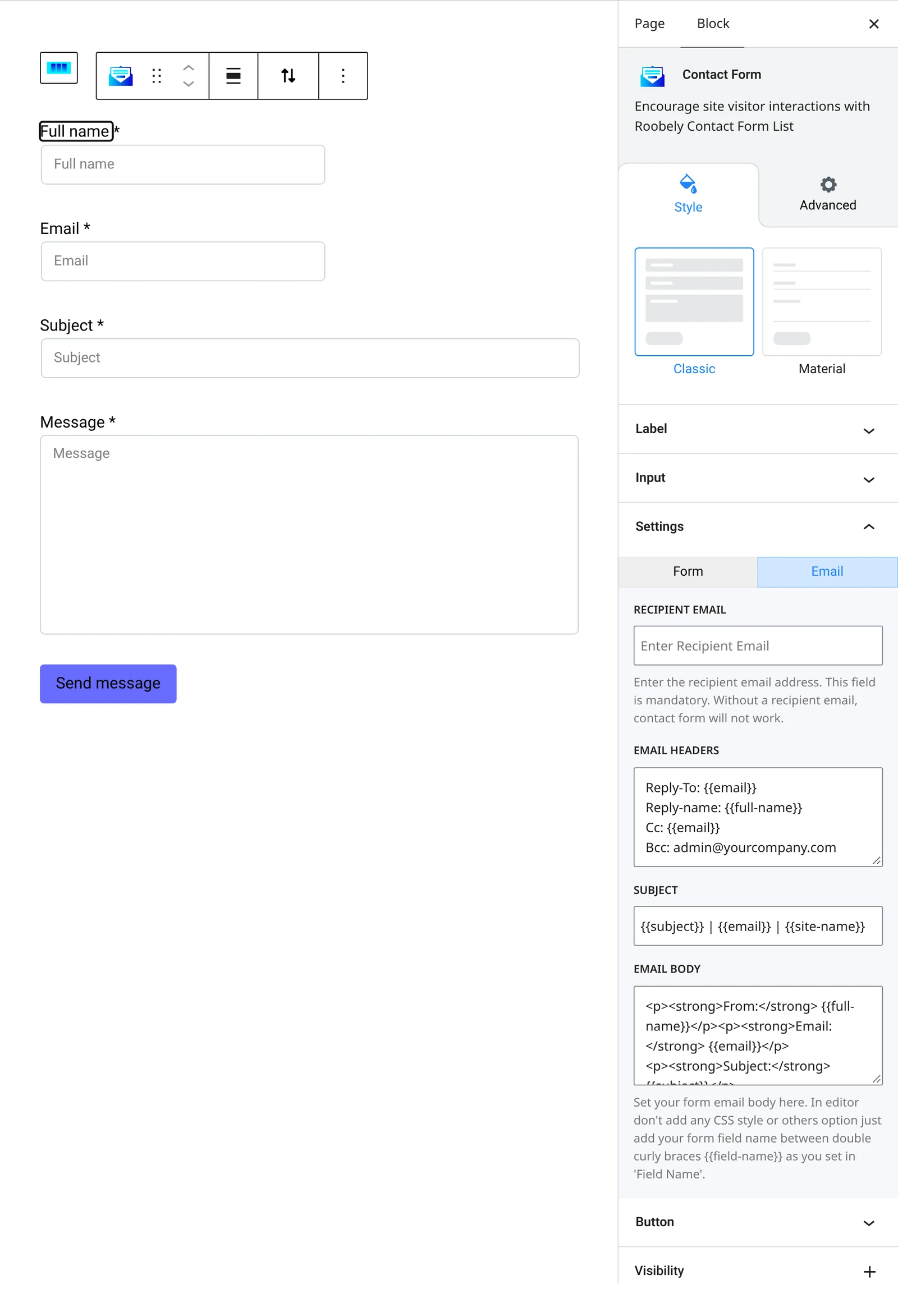
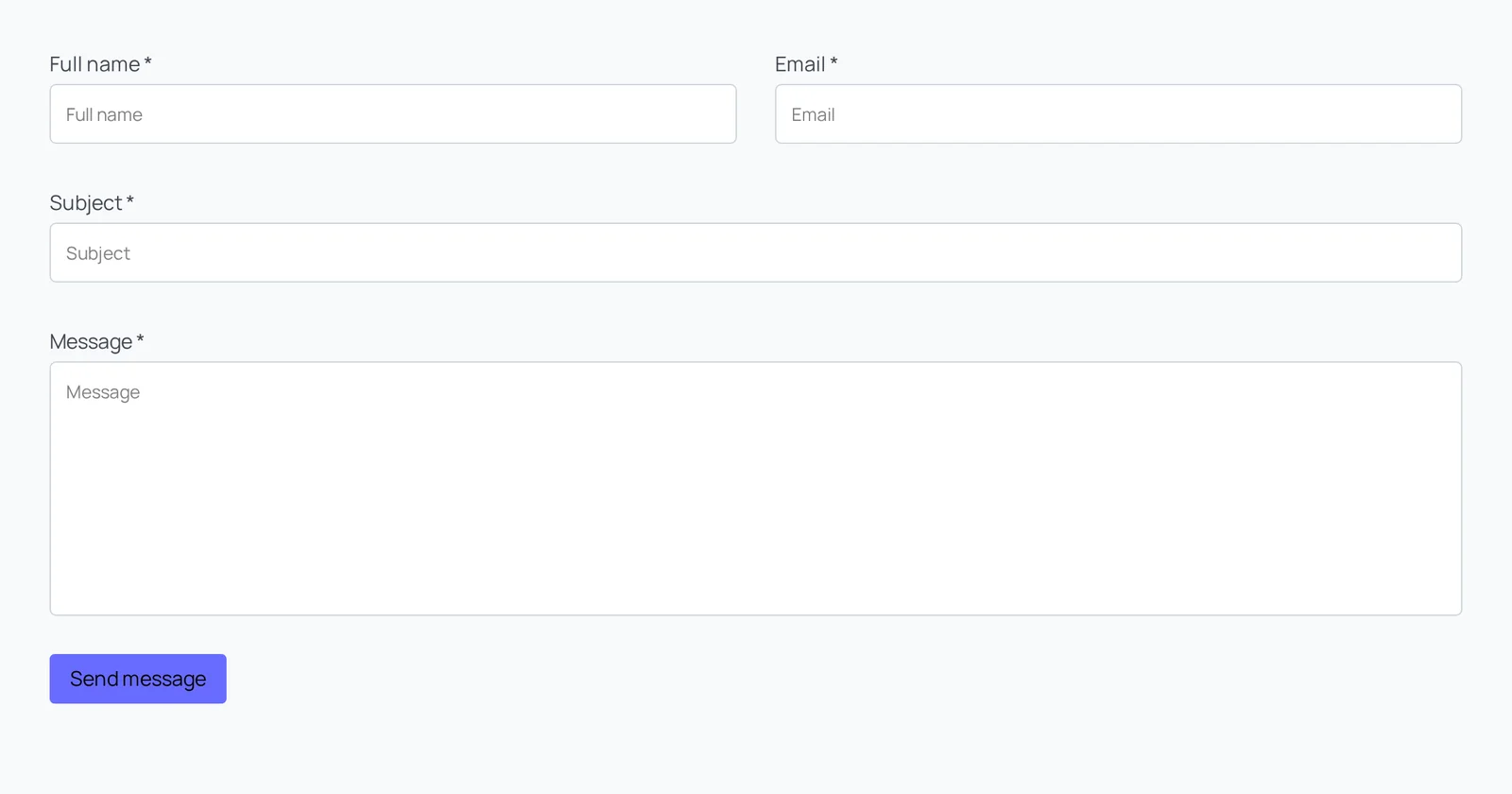
The Contact Form block adds a simple form with fields you choose, and sends each submission to the email address you set.
Main settings
- Form fields: add, remove and reorder fields, and mark fields as required.
- Email settings: receiver address, subject, from address, headers and email body.
- Messages: success, form error and field error messages.
- reCAPTCHA: turn on Google reCAPTCHA with your site and secret keys.
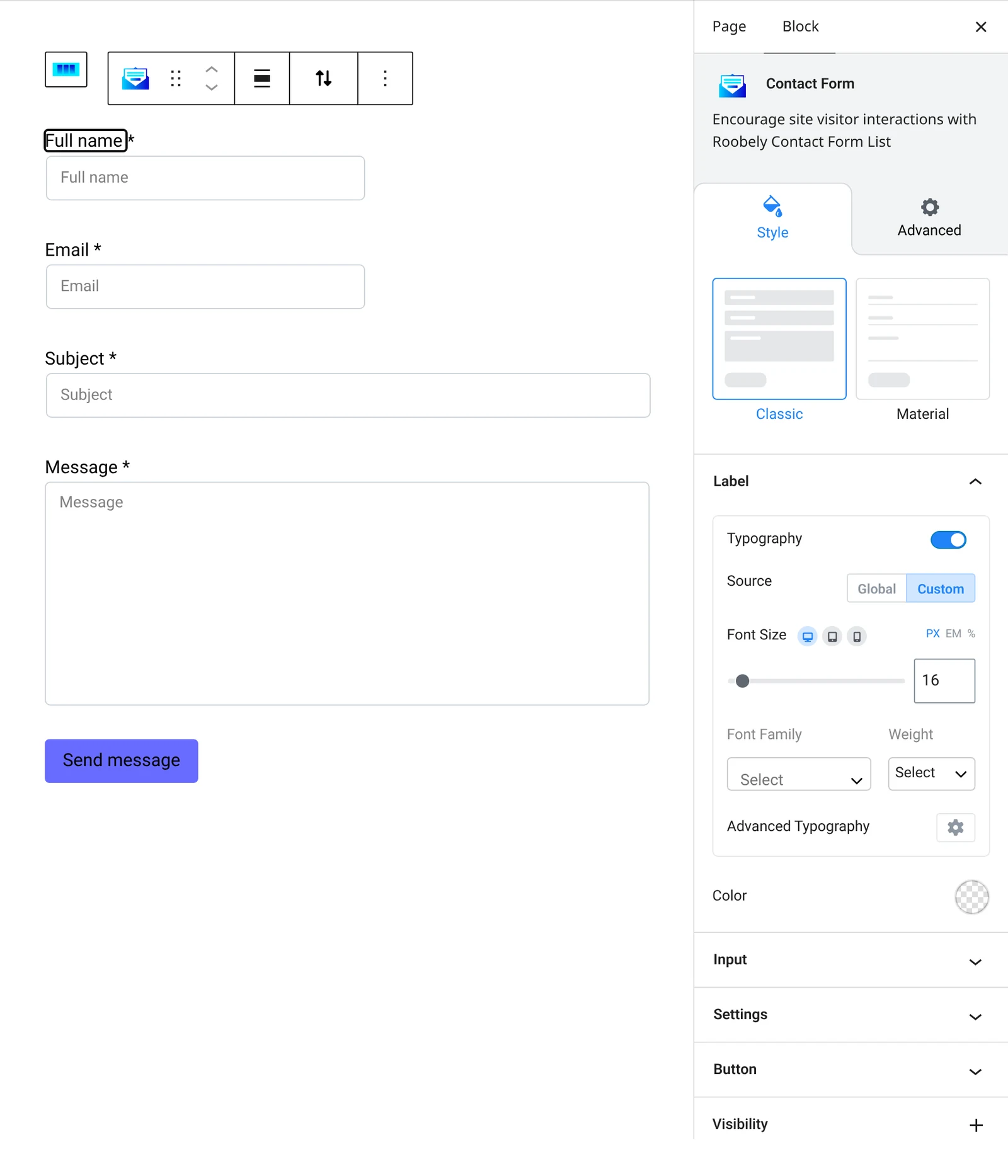
- Input style: input size, padding, colors, borders and focus states.
- Submit button: button text, size, colors, icon and alignment.
How to add it
- Open the page or post in the block editor and click the + (block inserter) button.
- Search for Contact Form and choose the Roobely Contact Form block.
- Add or remove fields and set which ones are required.
- Enter the receiver email and the success message under the email settings.
- Click Update or Publish, then preview the page to check it on desktop and mobile.