Advanced List block
Advanced List block
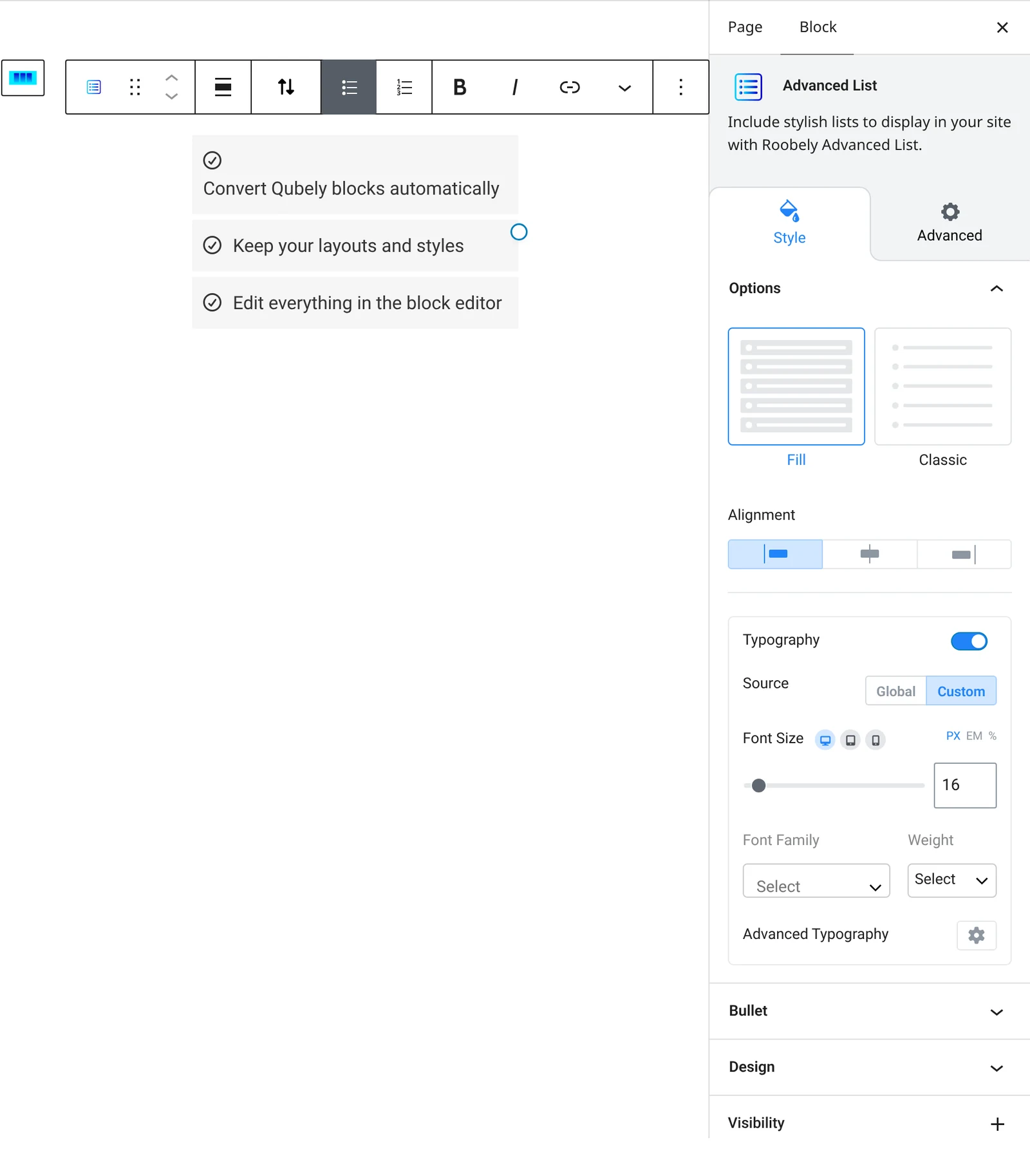
The Advanced List block builds lists with your choice of bullet style, numbers or icons, with full control over spacing and colors.

Main settings
- List type and layout: choose bullets or numbers and pick one of the preset layouts.
- Bullet style: pick the bullet shape or icon, its size, color and spacing.
- Numbers: show numbers inside a colored badge and set its size, corner shape and colors.
- Typography and colors: font settings, text color and hover color.
- Item box: background, border, radius and shadow for each list item.
How to add it
- Open the page or post in the block editor and click the + (block inserter) button.
- Search for Advanced List and choose the Roobely Advanced List block.
- Type your list items, pressing Enter to add a new item.
- Choose the list type and bullet style, then adjust colors and spacing.
- Click Update or Publish, then preview the page to check it on desktop and mobile.