Counter block
Counter block
The Counter block shows a number that animates from zero to your target value, which works well for stats and milestones.
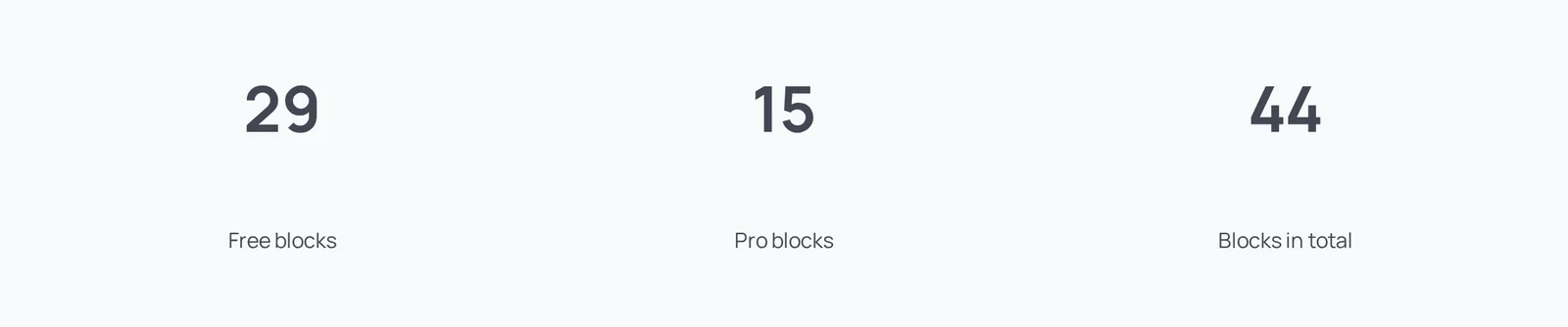
Main settings
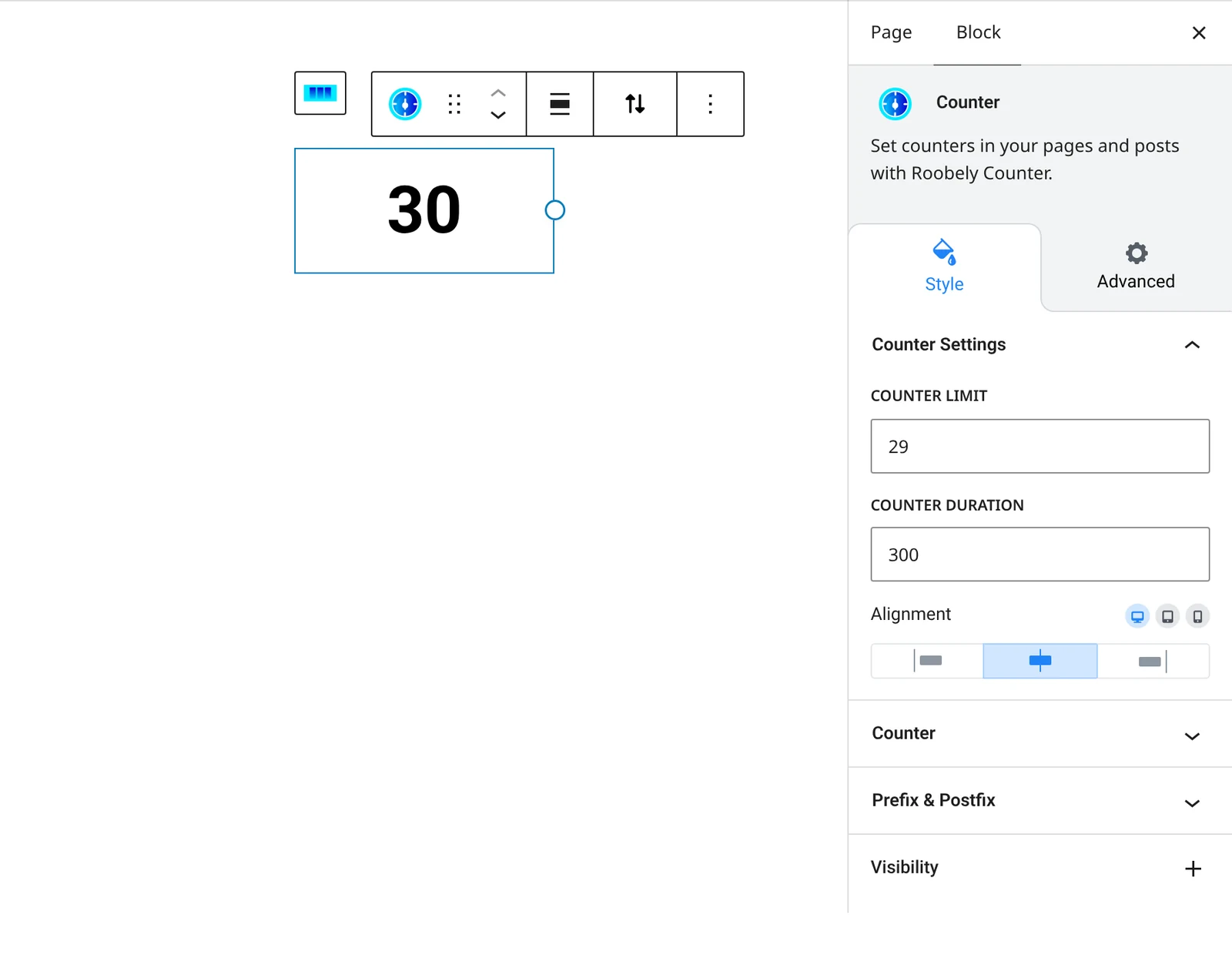
- Counter limit: the number the counter counts up to.
- Duration: how long the count takes.
- Prefix and postfix: text before or after the number, such as $ or +.
- Typography and colors: font settings and colors for the number and for the prefix and postfix.
- Alignment and spacing: block alignment and the gap between the number and its prefix or postfix.
How to add it
- Open the page or post in the block editor and click the + (block inserter) button.
- Search for Counter and choose the Roobely Counter block.
- Set the counter limit and the duration.
- Add a prefix or postfix and style the number.
- Click Update or Publish, then preview the page to check it on desktop and mobile.