Image Comparison block
Image Comparison block
The Image Comparison block puts two images on top of each other with a slider, so visitors can drag to compare them.

Main settings
- Images: choose the first and second image from the library or by URL, with alt text and size.
- Labels: titles for each image and an option to hide them.
- Label style: heading level, typography, color and label position.
- Slider control: the color of the slider handle.
- Alignment and animation: alignment, hover animation and content animation.
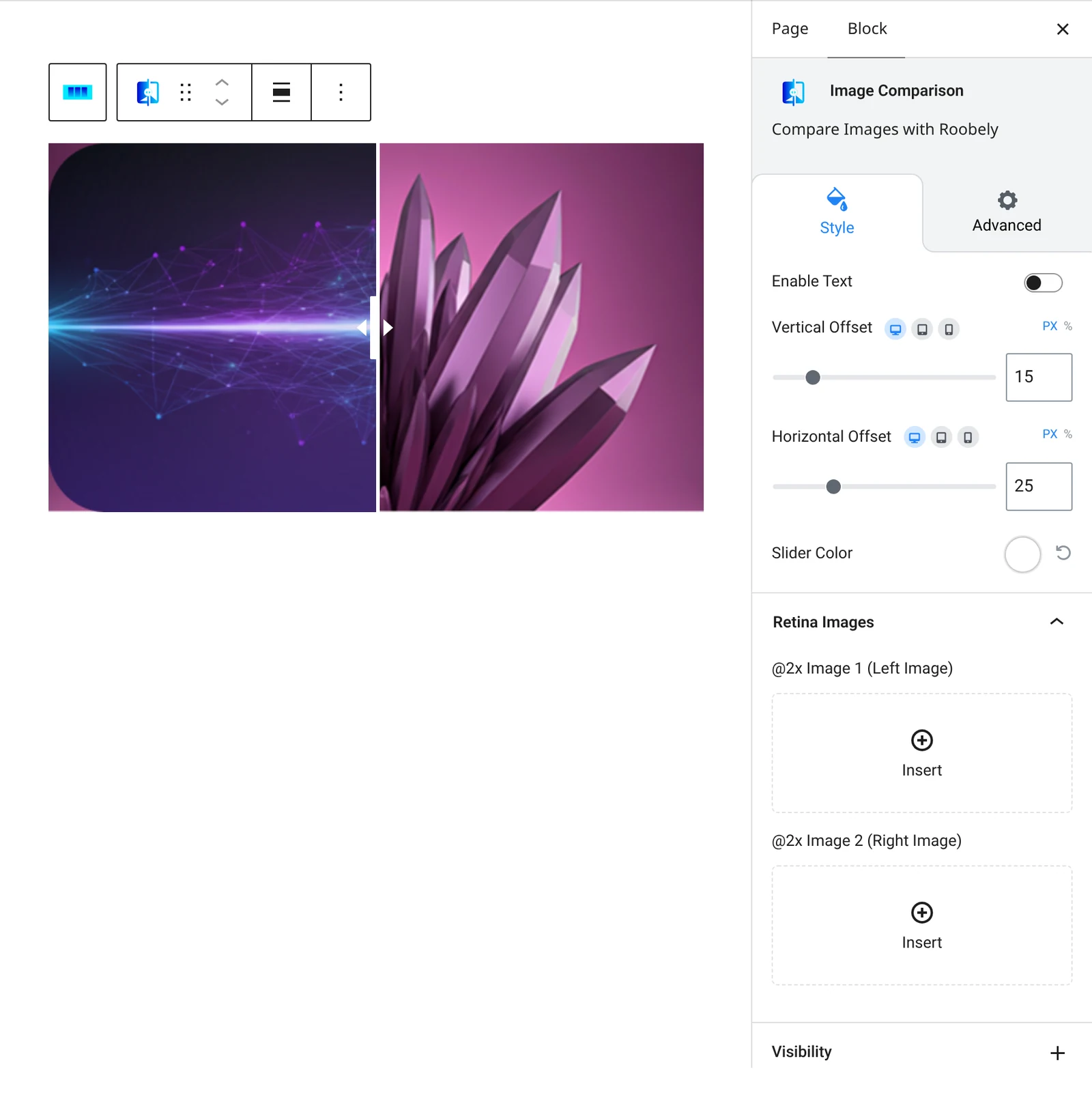
How to add it
- Open the page or post in the block editor and click the + (block inserter) button.
- Search for Image Comparison and choose the Roobely Image Comparison block.
- Choose the before image and the after image.
- Set the labels and the slider color.
- Click Update or Publish, then preview the page to check it on desktop and mobile.