Info Box block
Info Box block
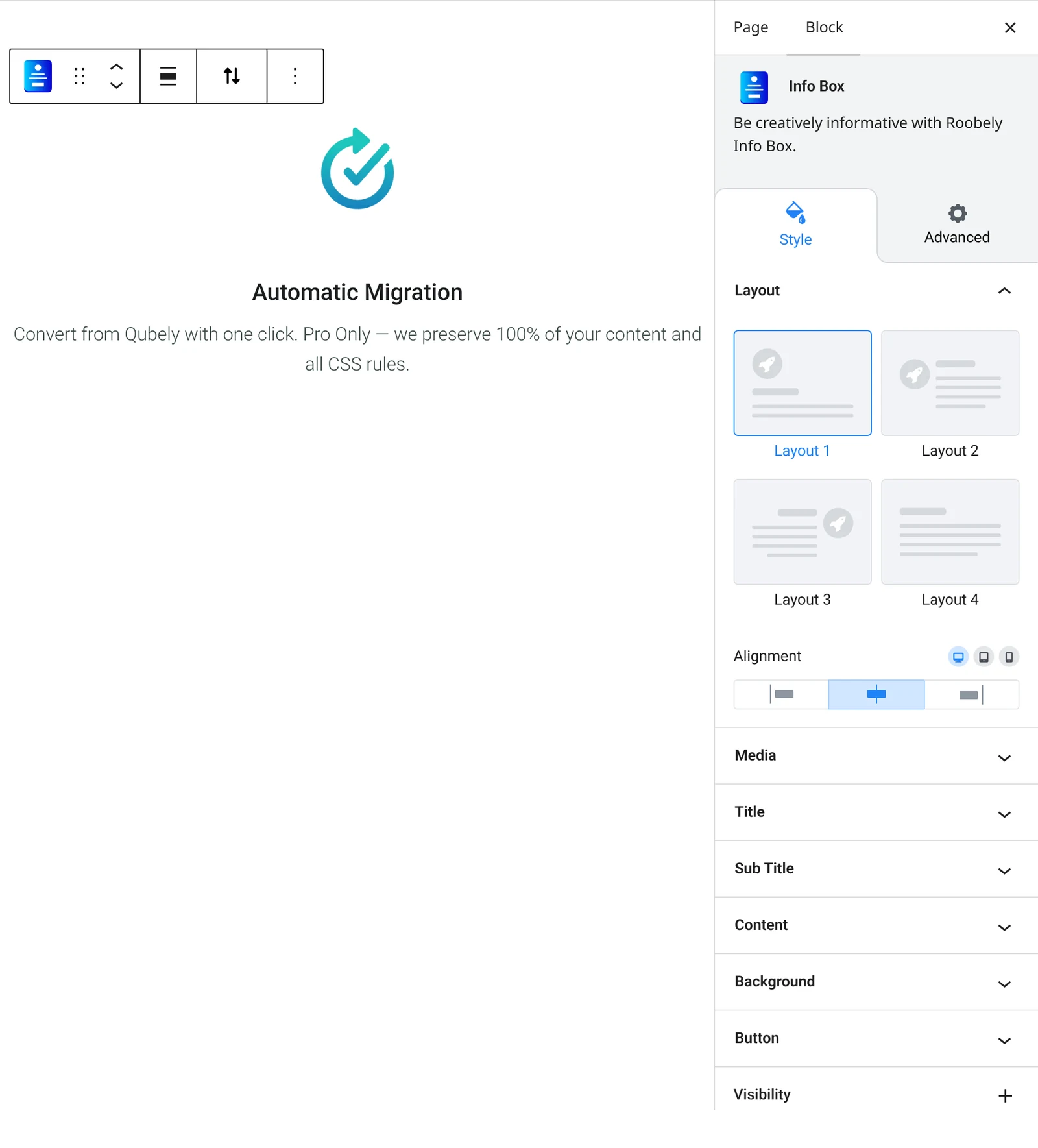
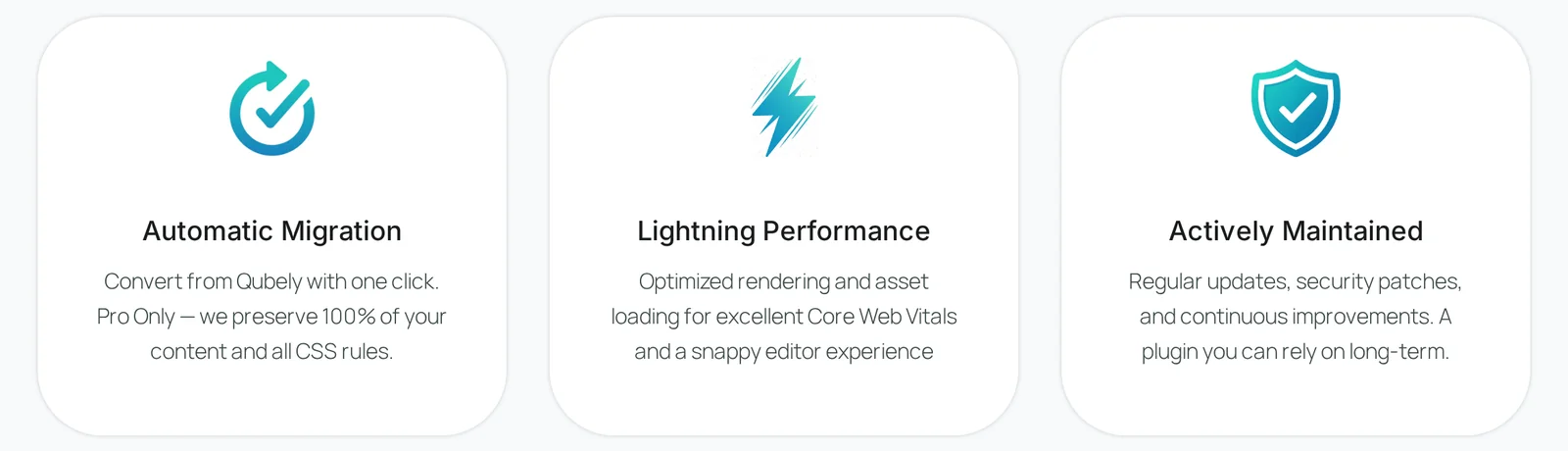
The Info Box block combines media (icon, image or number), a title, text and an optional button in one card, ideal for features and services.
Main settings
- Layout: choose one of the preset layouts.
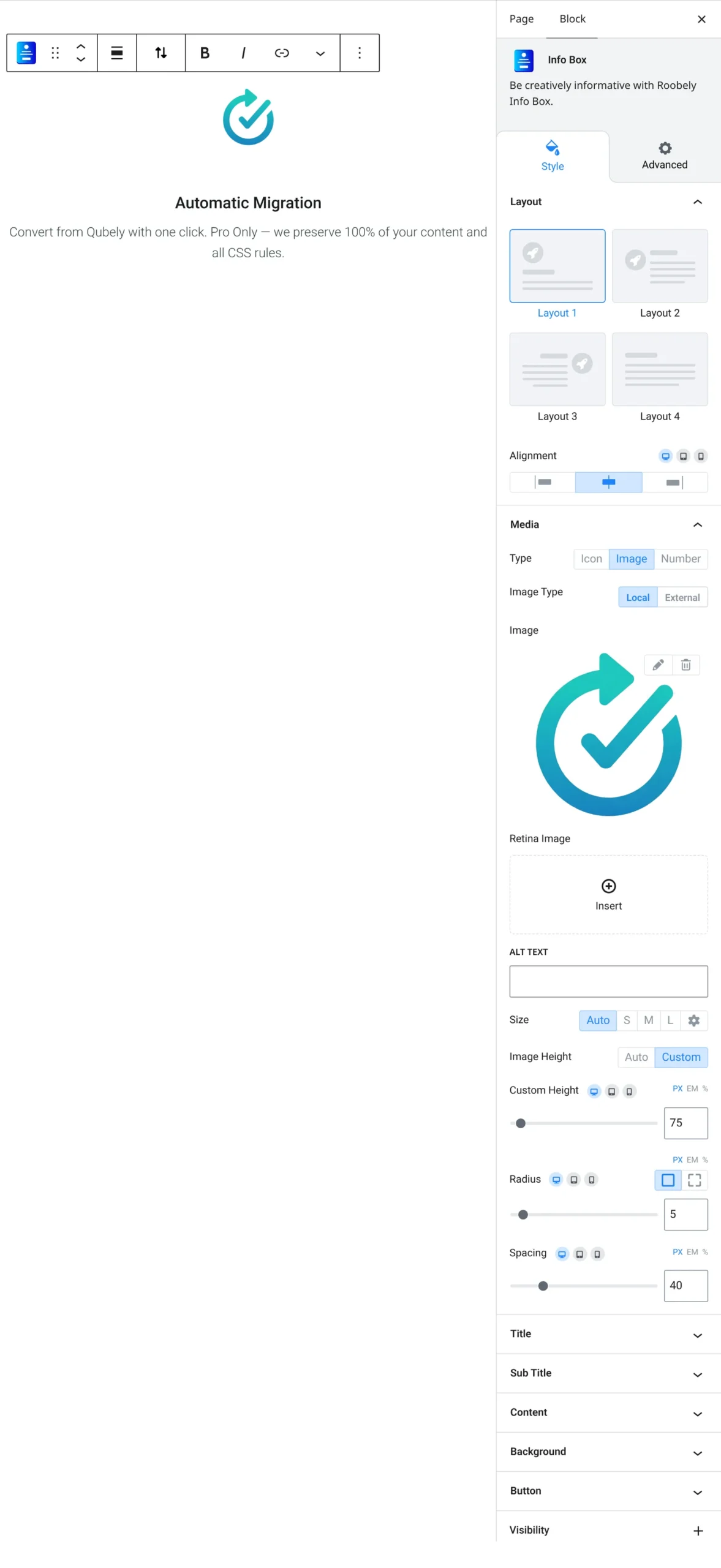
- Media: icon, image or number, with size, background, border, radius and spacing.
- Title and subtitle: text, heading level, typography, colors and spacing.
- Content: turn the description on or off and style its typography and color.
- Separator: optional line with style, color, width and position.
- Button: optional button with text, link, colors and icon.
- Box style: background, padding, border, radius and shadow, with hover states.
How to add it
- Open the page or post in the block editor and click the + (block inserter) button.
- Search for Info Box and choose the Roobely Info Box block.
- Choose a layout and the media type (icon, image or number).
- Enter the title and text, and turn on the button if needed.
- Click Update or Publish, then preview the page to check it on desktop and mobile.