Table of Contents block
Table of Contents block
The Table of Contents block reads the headings on the page and builds a clickable list, with smooth scrolling and an optional back to top button.
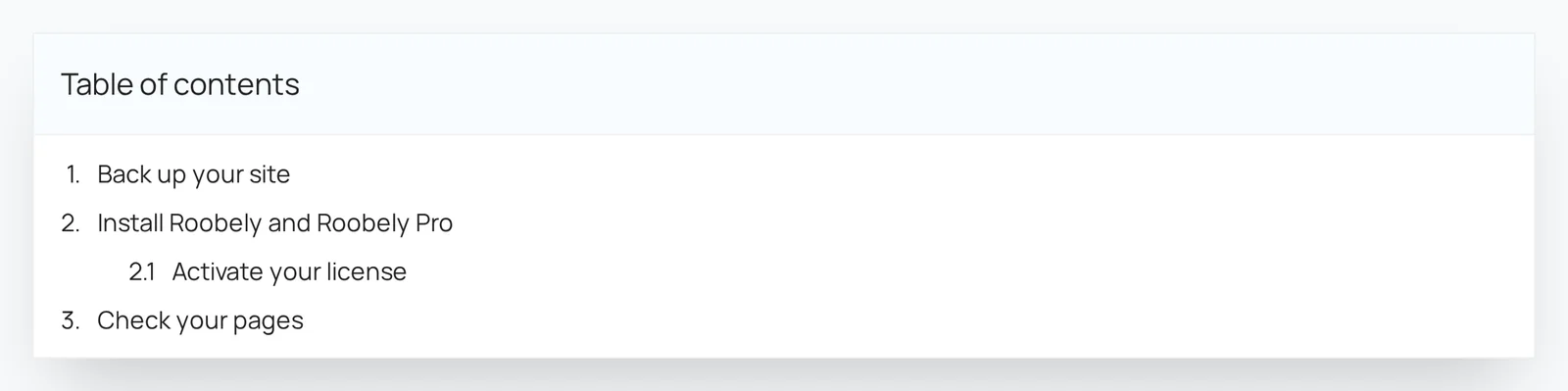
Main settings
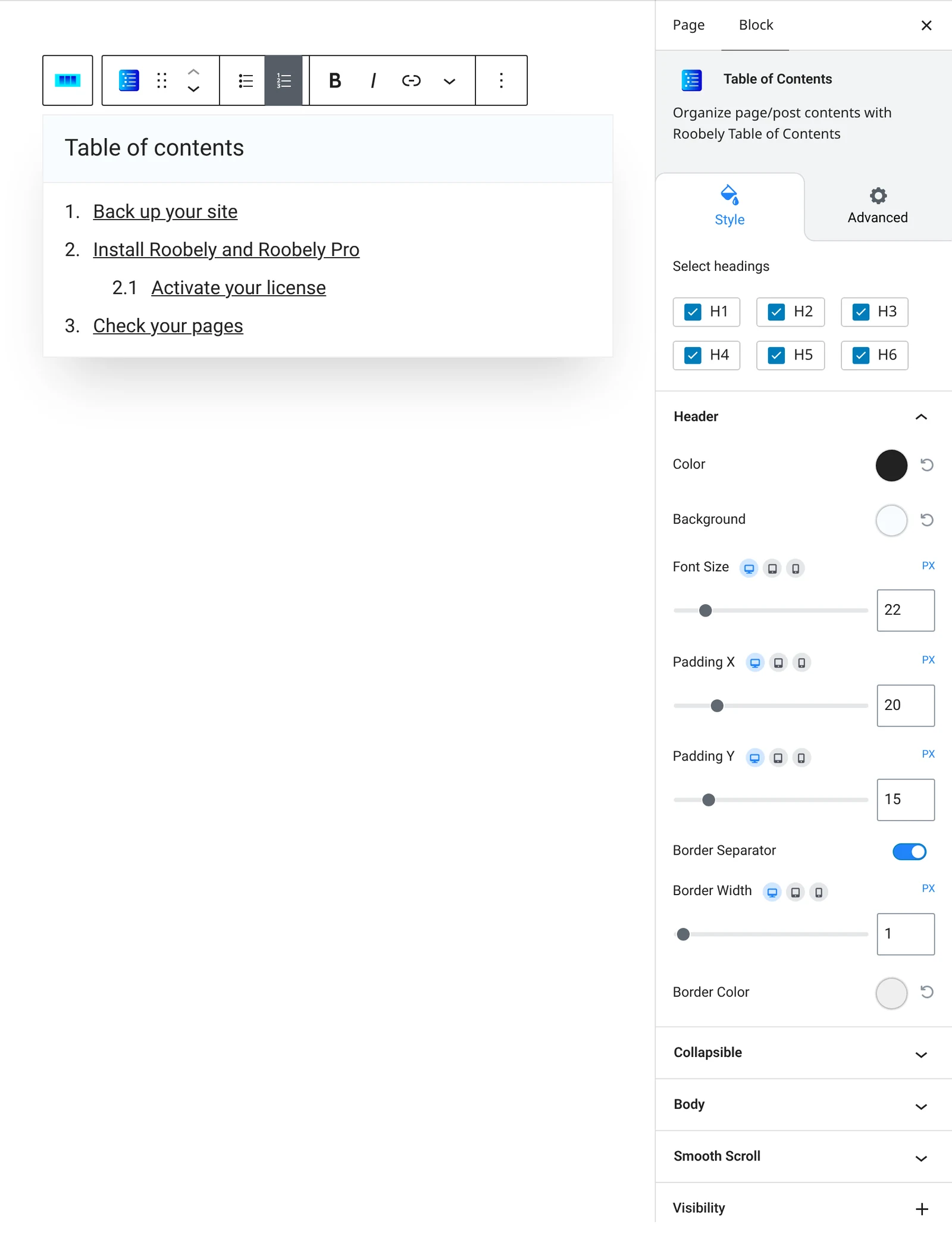
- Headings to include: choose which heading levels appear.
- Title: show or hide the title and set its text.
- List style: list type and indent.
- Collapsible: let visitors open and close the box, with a choice of icon and starting state.
- Scrolling: smooth scroll, scroll offset and a back to top button with position and colors.
- Style: header and body colors, padding and font size.
How to add it
- Open the page or post in the block editor and click the + (block inserter) button.
- Search for Table of Contents and choose the Roobely Table of Contents block.
- Make sure your page uses headings for its sections.
- Choose which heading levels to include and set the title.
- Click Update or Publish, then preview the page to check it on desktop and mobile.