Testimonial block
Testimonial block
The Testimonial block shows a quote from a customer with their name, designation, avatar and star rating.
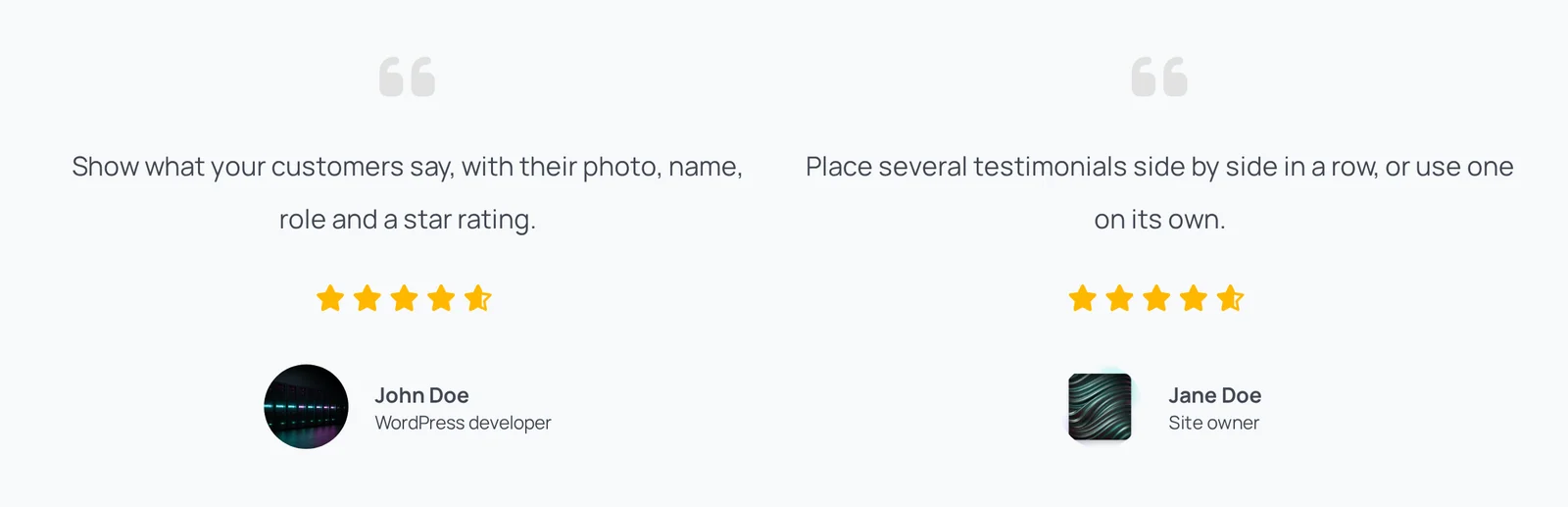
Main settings
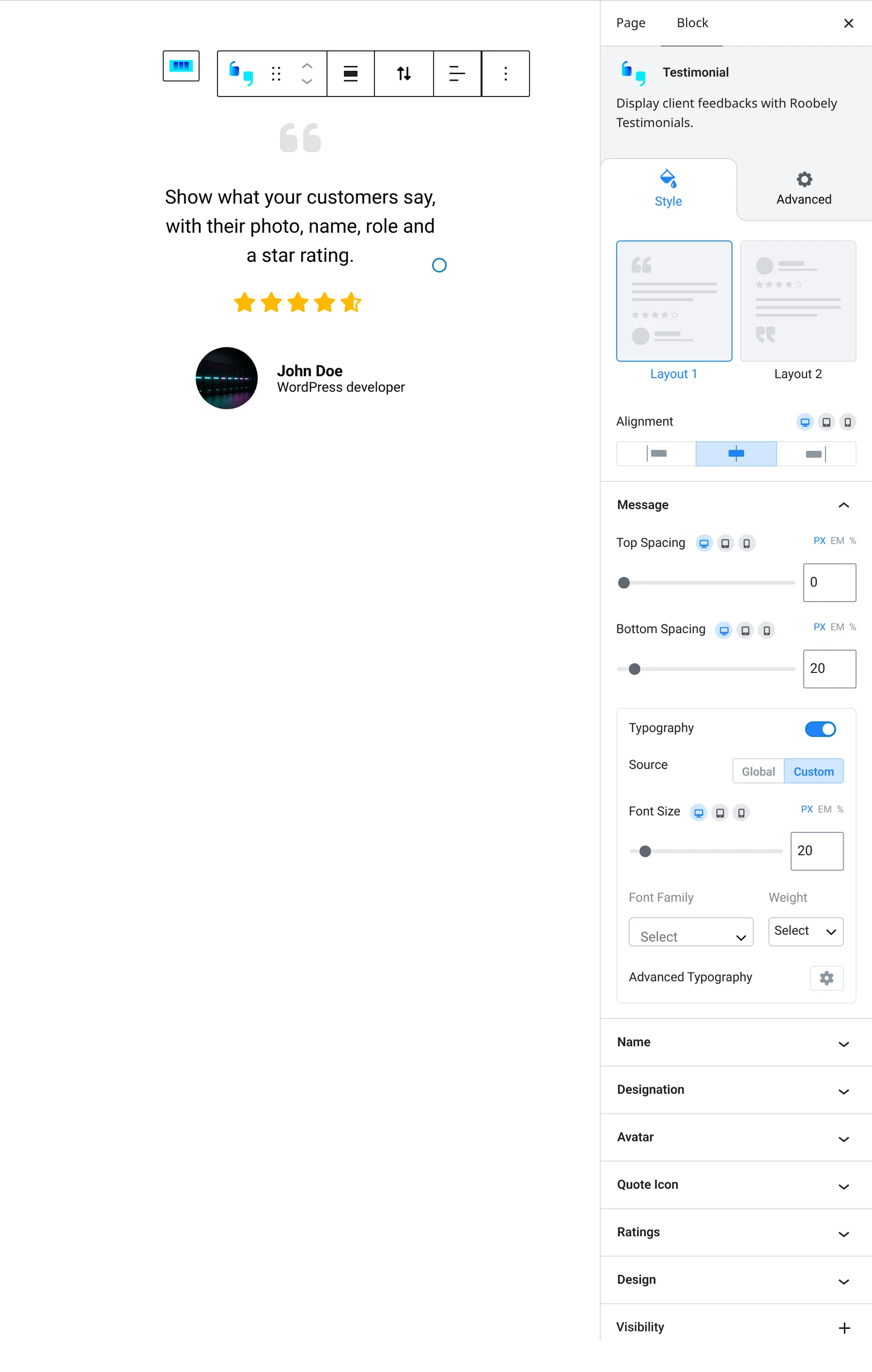
- Layout: choose a preset layout and alignment.
- Message: the quote text, its position and spacing.
- Name and designation: text and colors.
- Avatar: show a photo and set its size, shape, layout and spacing.
- Rating: show stars and set the rating, color, size and position.
- Quote icon: show a quote icon and set its color, size and position.
How to add it
- Open the page or post in the block editor and click the + (block inserter) button.
- Search for Testimonial and choose the Roobely Testimonial block.
- Type the testimonial message, name and designation.
- Add an avatar and a rating if needed.
- Click Update or Publish, then preview the page to check it on desktop and mobile.