Advanced Text block
Advanced Text block
The Advanced Text block adds body text with full typography control, and can show a title, subtitle, separator and drop cap above the paragraph.
Main settings
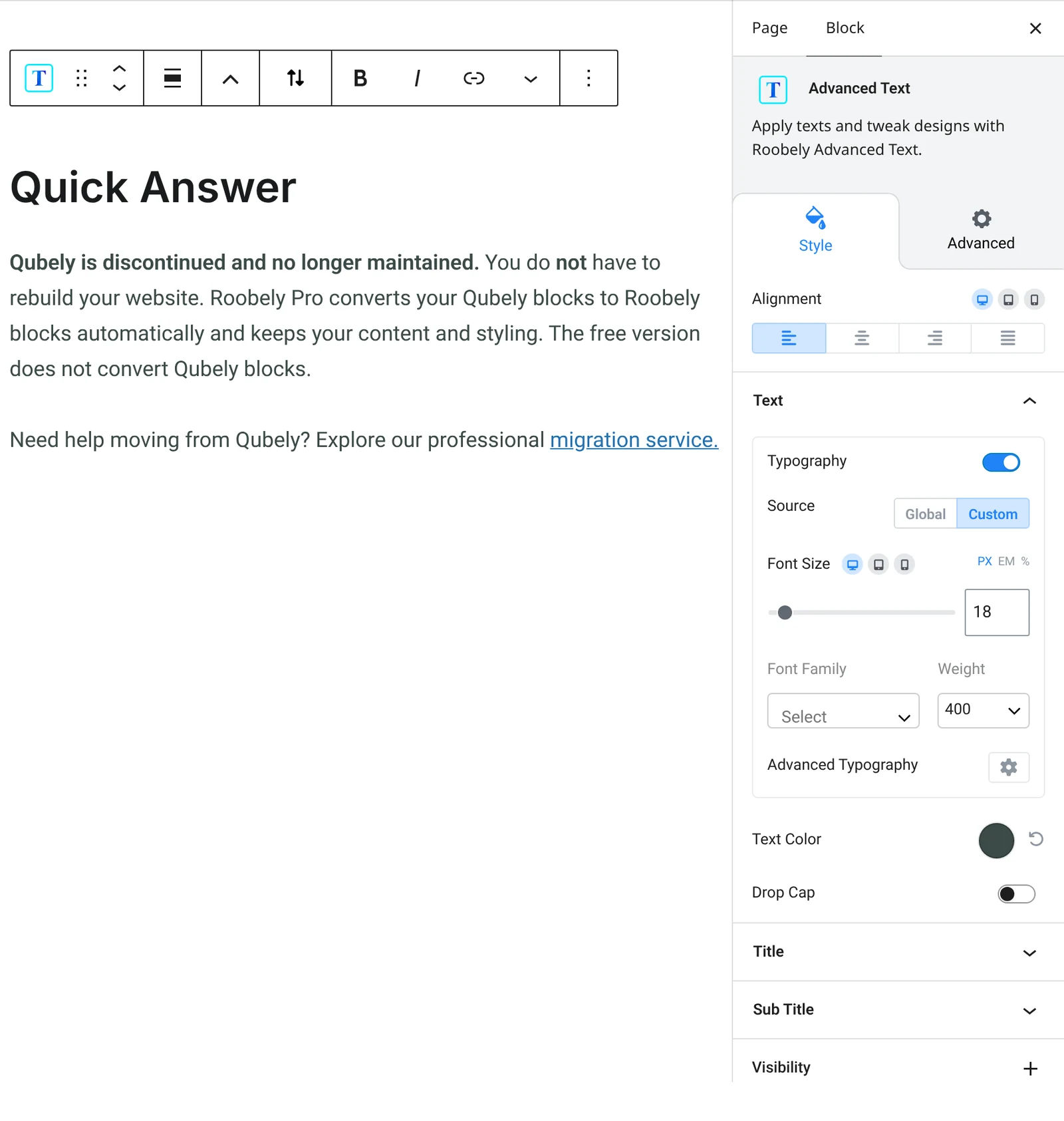
- Text: the paragraph content, typography, color and alignment.
- Title: turn on a title and set its level, typography, color and spacing.
- Subtitle: add a subtitle with its own level and style.
- Separator: add a line near the title with style, color, width and position.
- Drop cap: make the first letter large and set its size, color and spacing.
How to add it
- Open the page or post in the block editor and click the + (block inserter) button.
- Search for Advanced Text and choose the Roobely Advanced Text block.
- Type your text in the block.
- Turn on a title, subtitle or drop cap if needed and adjust typography.
- Click Update or Publish, then preview the page to check it on desktop and mobile.