Wrapper block
Wrapper block
The Wrapper block (shown as Block Wrapper in the editor) groups other blocks so they share one background and padding.
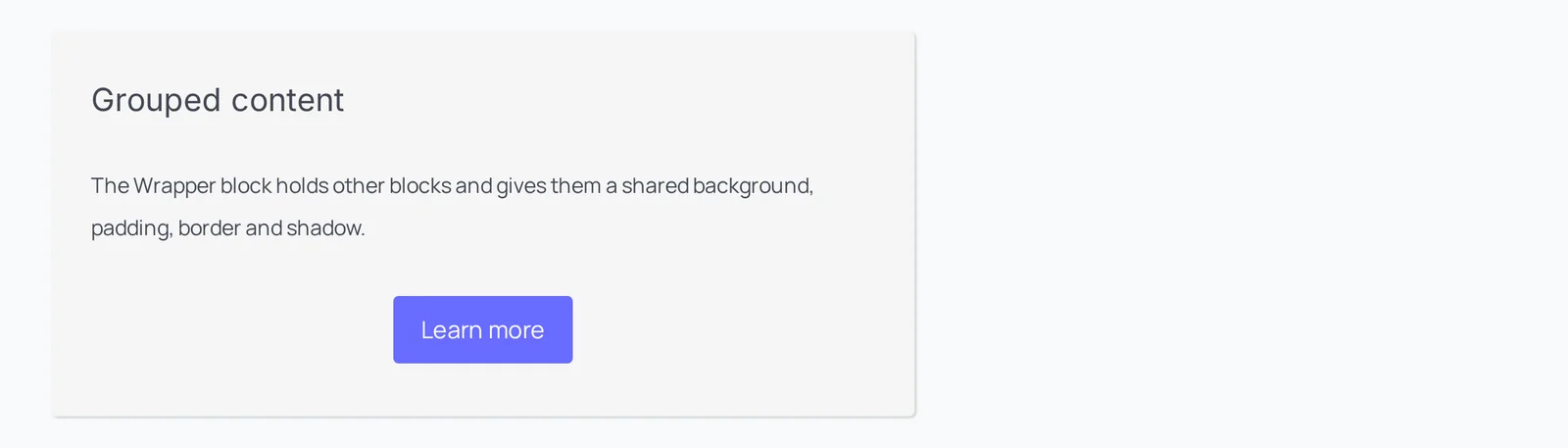
Main settings
- Inner blocks: add any blocks inside the wrapper.
- Background: background color for the wrapper.
- Padding: space inside the wrapper.
- Spacing: space above and below the wrapper.
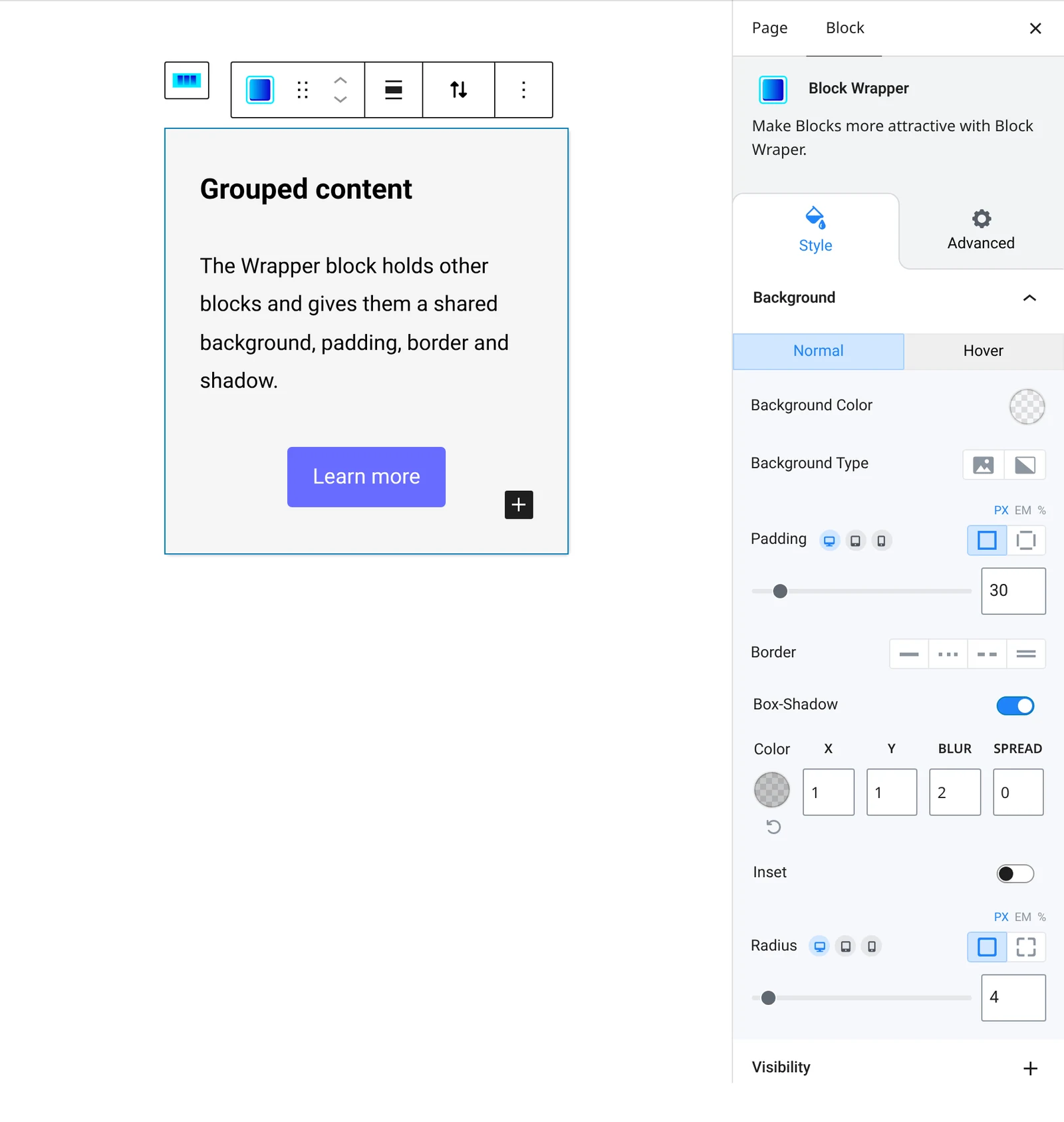
How to add it
- Open the page or post in the block editor and click the + (block inserter) button.
- Search for Wrapper and choose the Roobely Wrapper block.
- Add the blocks you want to group inside the wrapper.
- Set the background color and padding.
- Click Update or Publish, then preview the page to check it on desktop and mobile.