Modal block
Requires Roobely Pro. Get Roobely Pro
Modal block
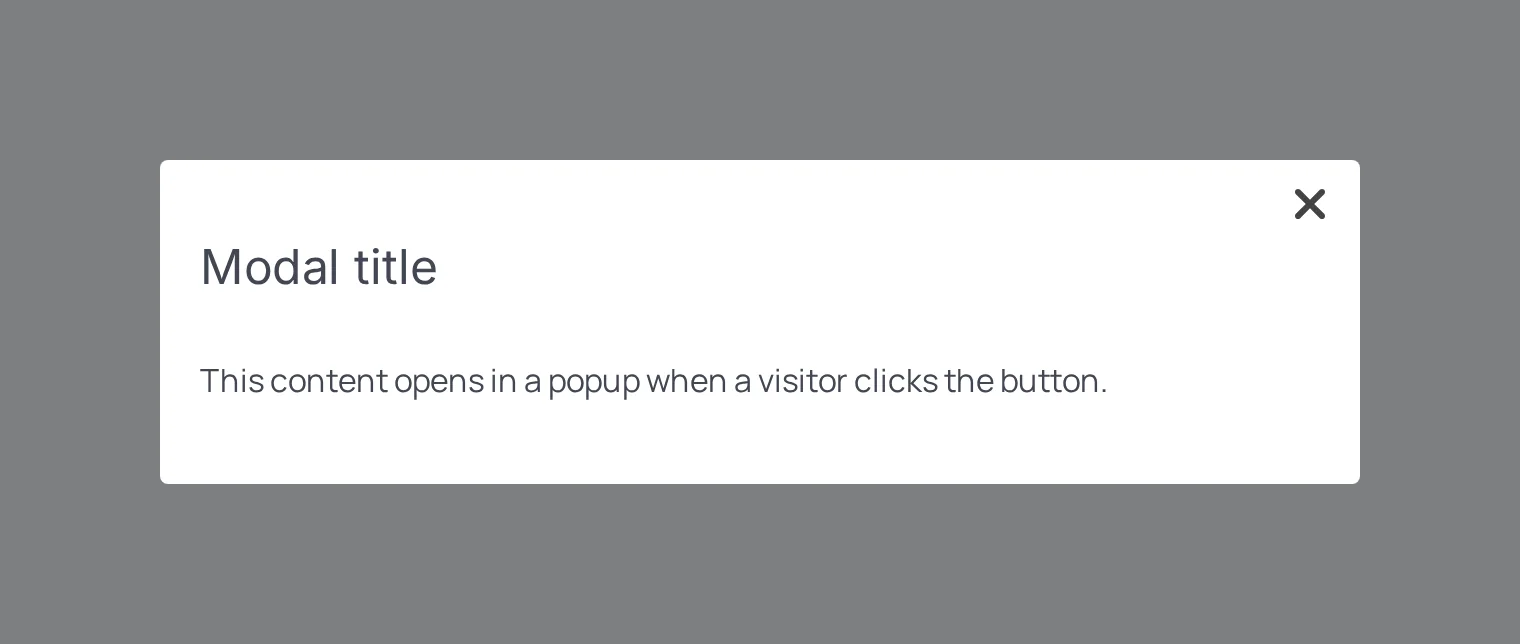
The Modal block adds a trigger button that opens a popup window with any blocks you place inside it.
Main settings
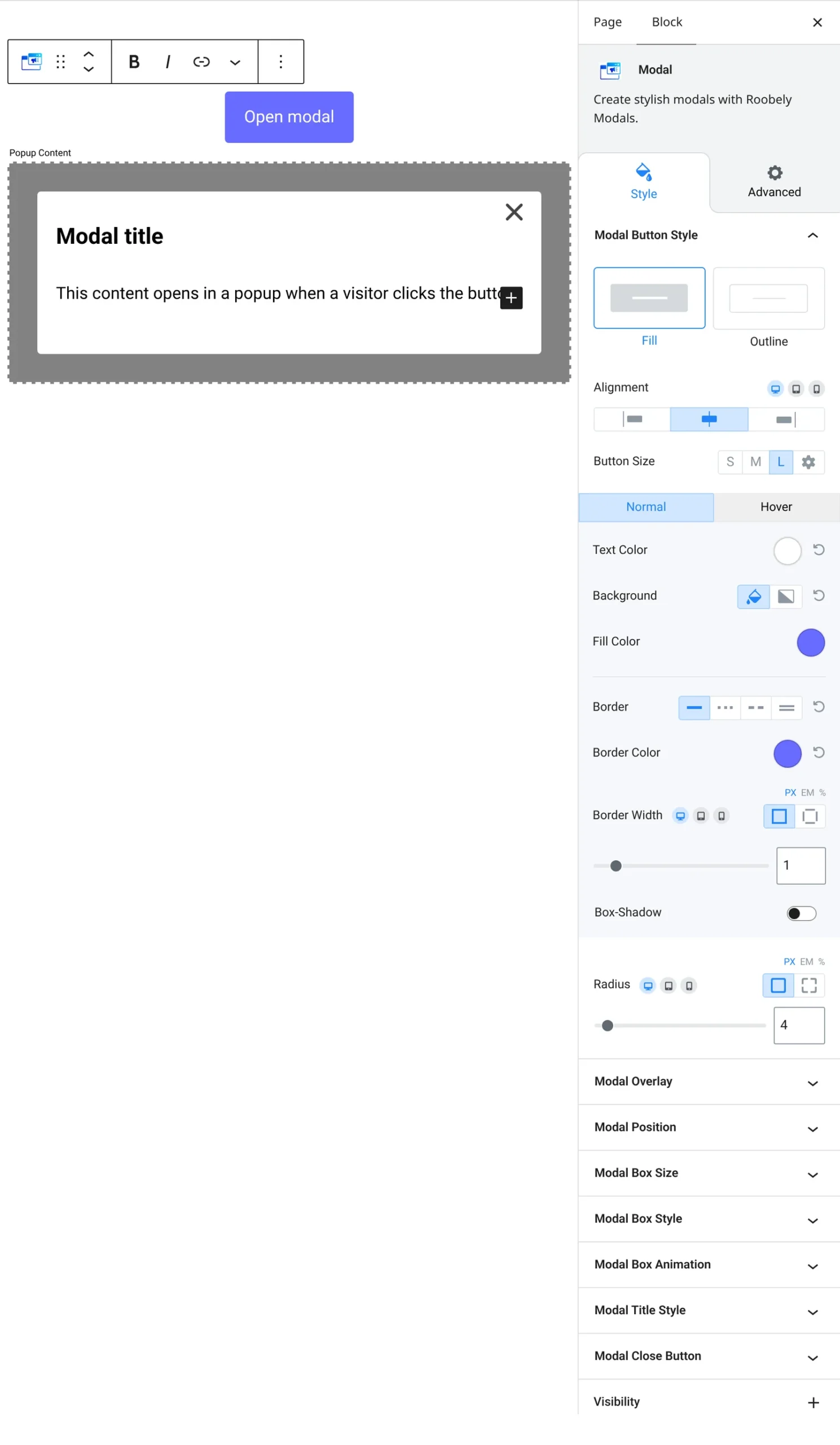
- Trigger: button text, size, colors and alignment.
- Modal box: width, maximum width, fixed height, background and alignment.
- Title: show a title in the popup and style it.
- Animation: opening and closing animations.
- Overlay: background overlay color.
- Close button: show a close button and set its size and colors.
How to add it
- Open the page or post in the block editor and click the + (block inserter) button.
- Search for Modal and choose the Roobely Modal block.
- Set the trigger button text.
- Add blocks inside the modal and set its size and animation.
- Click Update or Publish, then preview the page to check it on desktop and mobile.